
Legacy Meeting Archives
Organizations may have years of WMA meeting or training recordings. Transcripts improve discovery and migration, while dates, participants, and filenames should be preserved for context.
Upload a WMA recording from a Windows, recorder, or legacy media workflow and convert its spoken content into searchable text.
or click to browse your computerTap to browse your files
Supported formats include 3GP, AAC, AMR, AWB, FLAC, M4A, MKA, MKV, MOV, MP2, MP3, MP4, MPG, OGA, OGG, OPUS, TS, WAV, WEBA, WEBM, WMA, WMV.
By using Audio To Text Converter, you agree to our Terms of Service and Privacy Policy.
Add the original WMA file, generate a transcript from its audible speech, and export the reviewed result for modern workflows.
Choose the earliest unprotected .wma source, confirm full playback on your device, and upload it from the audio tab.
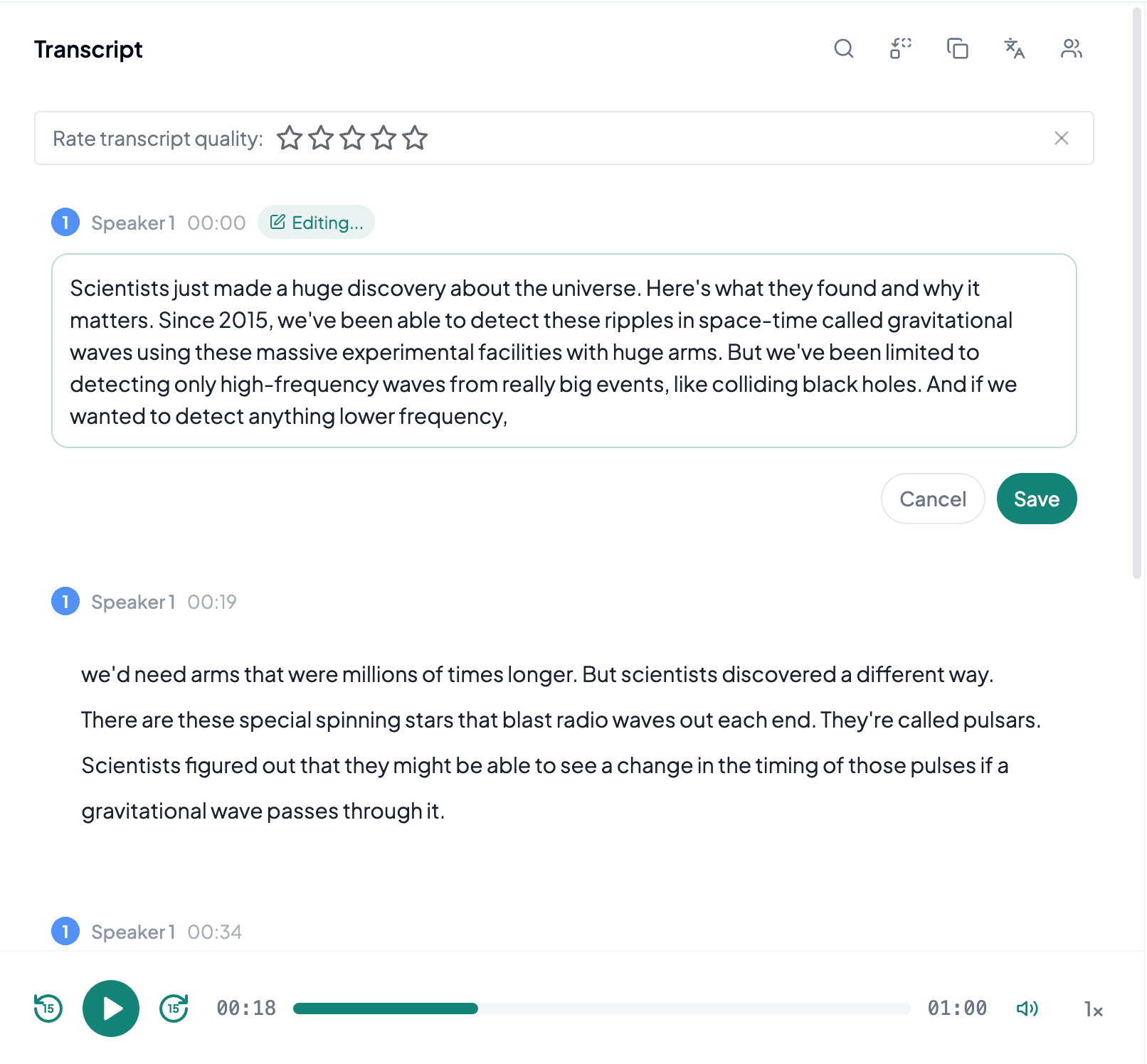
AI processes the spoken content and creates an accurate, readable transcript.
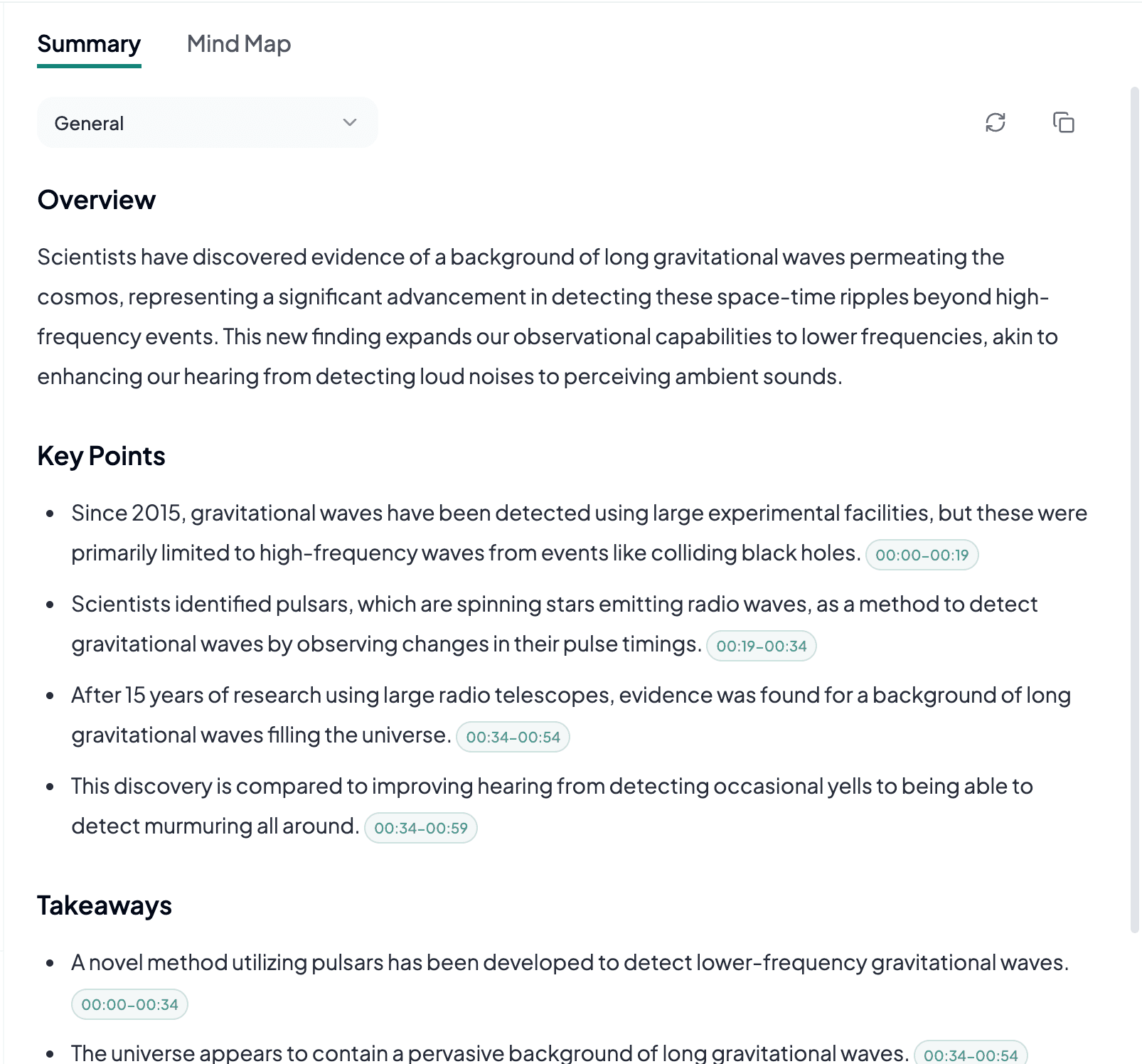
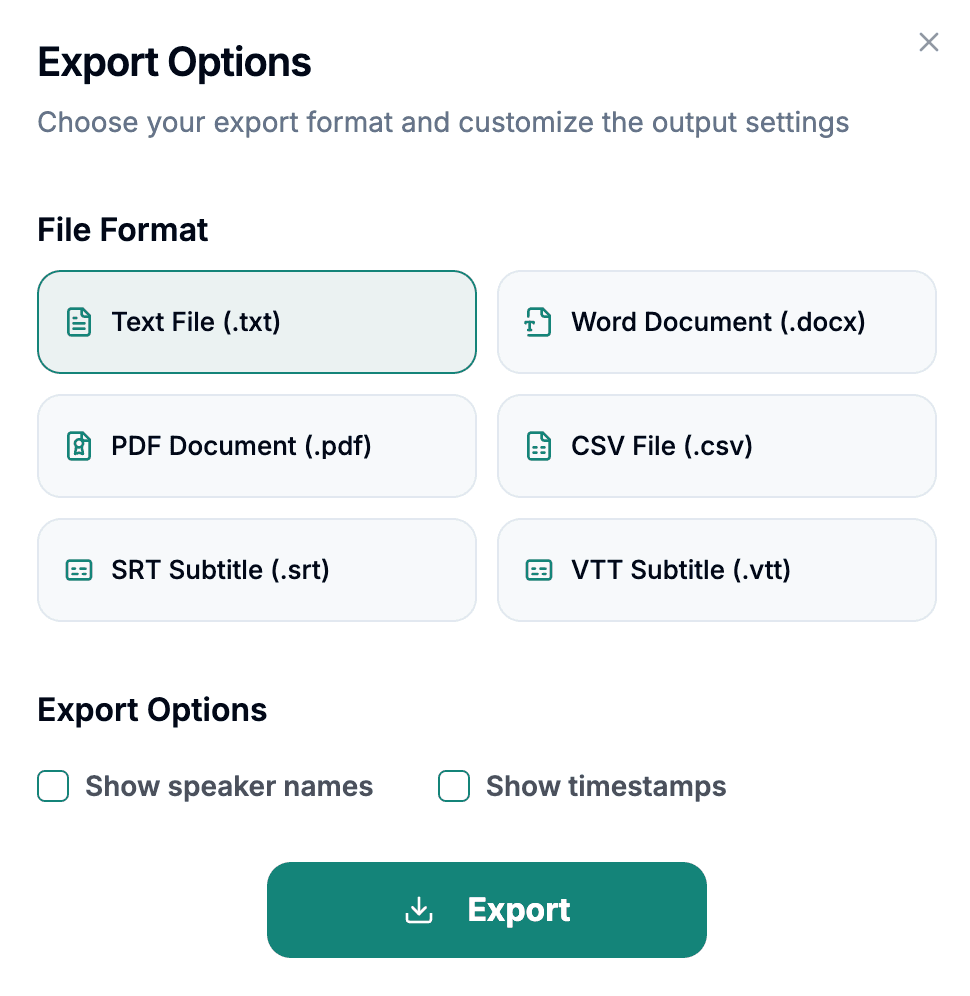
Download the transcript as TXT, PDF, DOCX, SRT, VTT, CSV, or use it for summaries, captions, and searchable notes.
Explore other audio formats supported by Audio To Text Converter.
WMA stands for Windows Media Audio and refers to a family of codecs developed for the Windows Media ecosystem. WMA files appear in older music libraries, voice recorders, meeting software, media players, and institutional archives. Different versions include lossy, professional, lossless, and voice-oriented encoding, so the extension does not identify one consistent quality level. Some commercially distributed WMA files may also be protected, which can prevent ordinary processing.
For transcription, use an unprotected file that plays normally from beginning to end. Legacy transfers may have missing metadata, incorrect extensions, or damage from old storage. A voice recorder could also have used a low bitrate intended for compact notes rather than detailed multi-speaker conversation. Converting WMA to MP3 is not automatically beneficial; if conversion is needed for a separate compatibility reason, keep the original and avoid repeated lossy exports.
WMA to text helps move spoken information out of older Windows-centered collections and into documents that are easier to search and maintain.
Organizations may have years of WMA meeting or training recordings. Transcripts improve discovery and migration, while dates, participants, and filenames should be preserved for context.
Some recorders exported compact WMA voice files. Text can recover useful notes and interviews, though quiet microphones and low-bitrate modes may require careful correction.
Spoken programs, lectures, and downloaded audio may remain in WMA. Transcription creates a portable reference without requiring future readers to depend on the original media player.
WMA preparation is mainly about confirming that the legacy file is complete, unprotected, and actually contains the intended speech.
Make sure the file opens without a license prompt and reaches the expected ending before planning a large transcription batch.
Keep original filenames, dates, folder names, and recorder information with the transcript so older recordings do not lose their context.
Work from the earliest WMA source and keep it unchanged if a derived copy must be created for another part of the workflow.