
Open-source Application Recordings
Desktop and web tools may create OGA for voice capture or exported media. Text turns those recordings into documentation or notes without requiring users to identify and re-encode the internal codec first.
Upload an OGA audio file and convert spoken content from open media or application workflows into searchable text.
or click to browse your computerTap to browse your files
Supported formats include 3GP, AAC, AMR, AWB, FLAC, M4A, MKA, MKV, MOV, MP2, MP3, MP4, MPG, OGA, OGG, OPUS, TS, WAV, WEBA, WEBM, WMA, WMV.
By using Audio To Text Converter, you agree to our Terms of Service and Privacy Policy.
Add the OGA source, generate a transcript from its speech, and export the reviewed text for notes or captions.
Select the original .oga file, verify its codec-independent playback and expected duration, and upload it from the audio tab.
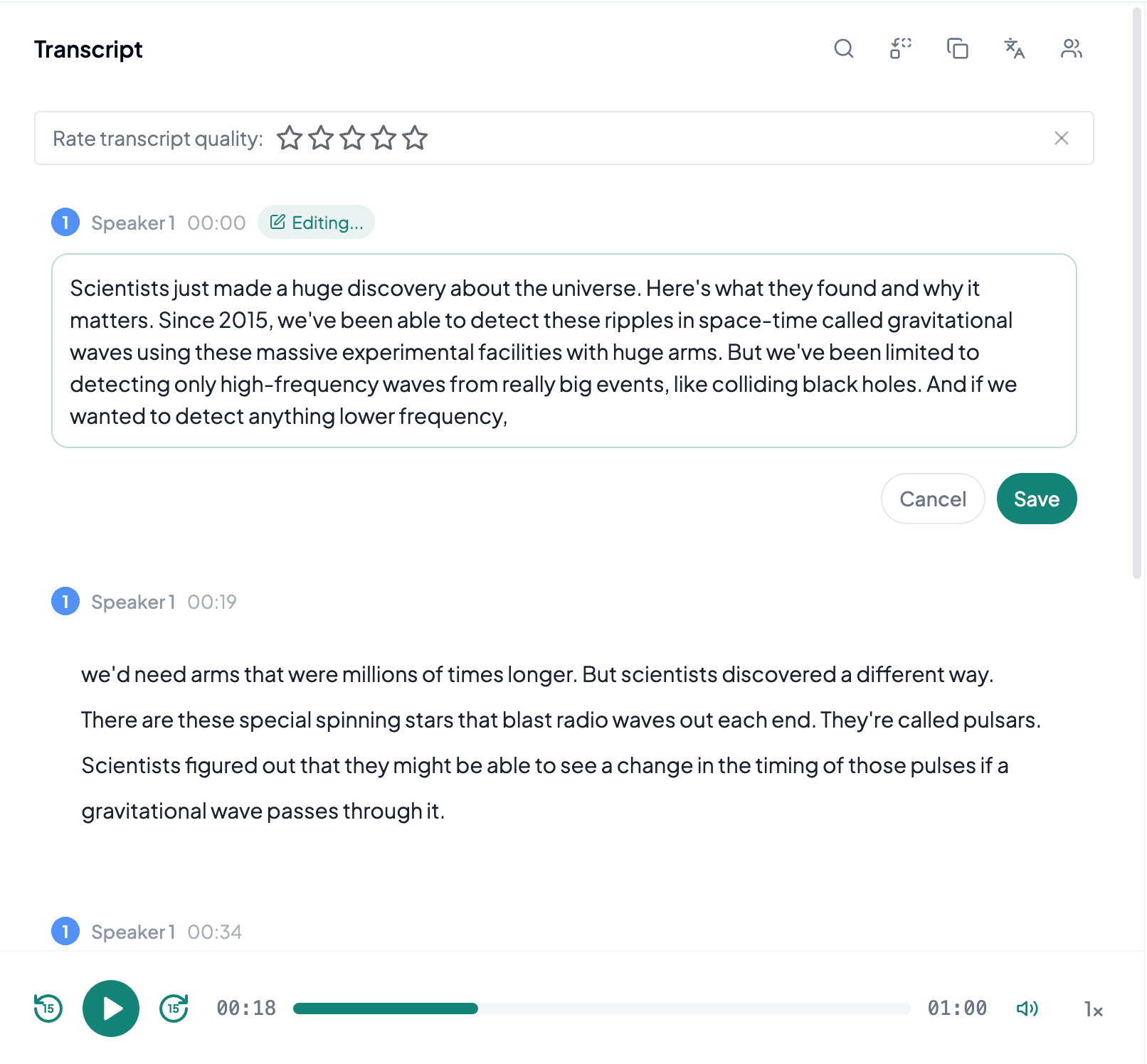
AI processes the spoken content and creates an accurate, readable transcript.
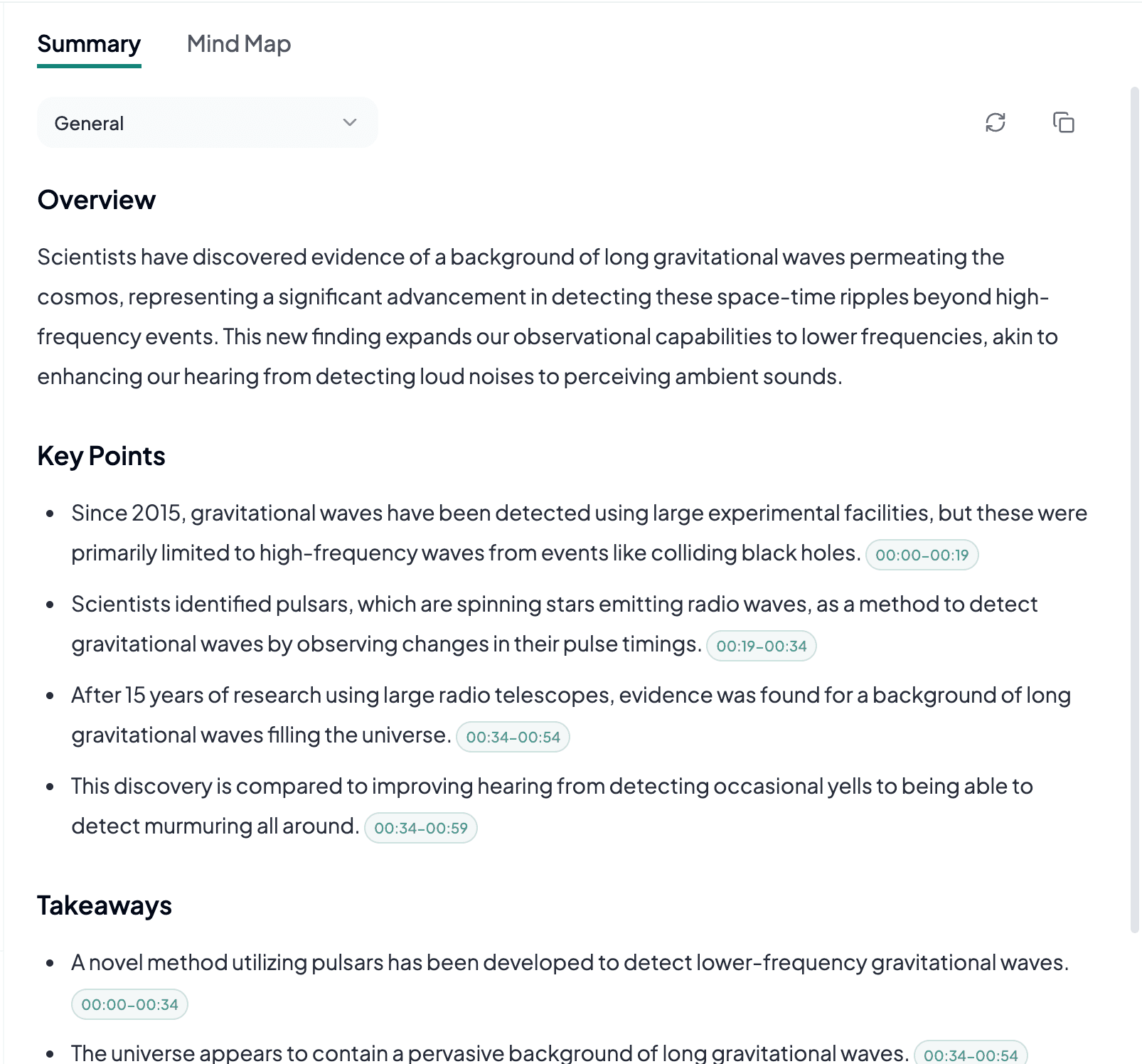
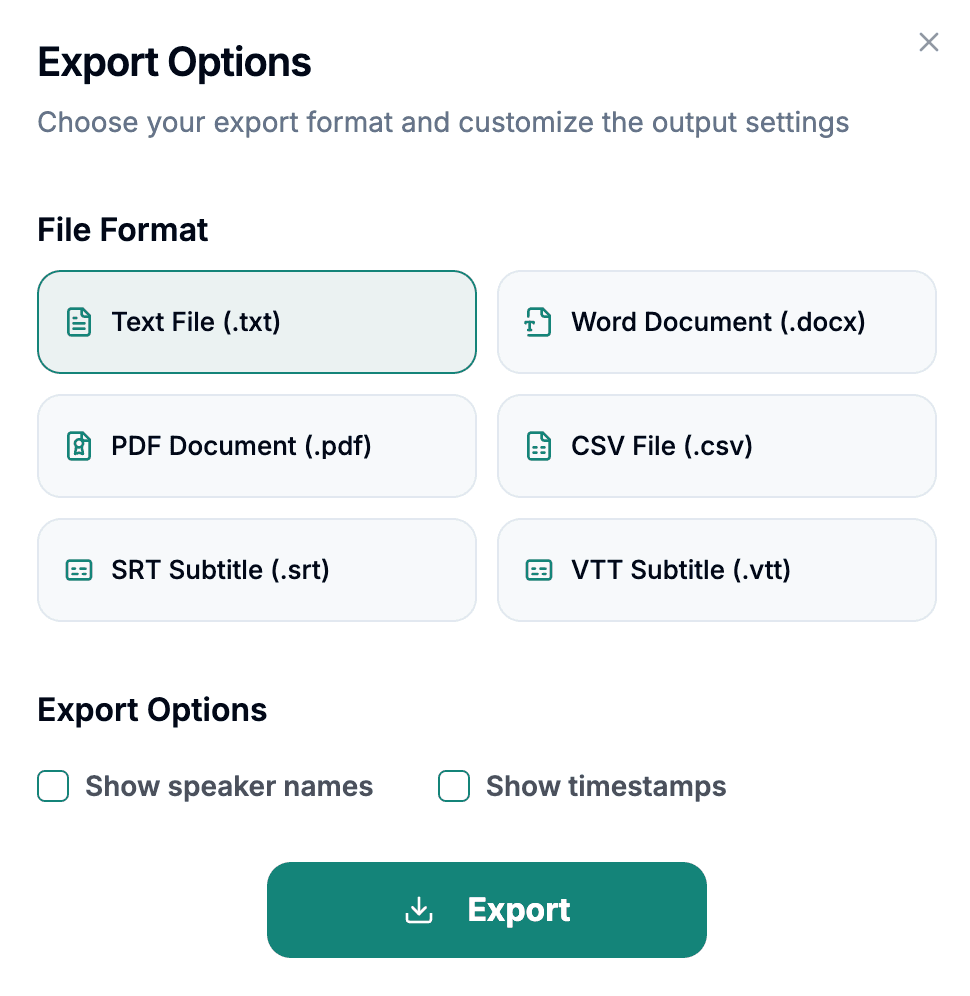
Download the transcript as TXT, PDF, DOCX, SRT, VTT, CSV, or use it for summaries, captions, and searchable notes.
Explore other audio formats supported by Audio To Text Converter.
OGA is an extension used for audio in the Ogg container. It can carry codecs such as Vorbis, FLAC, Speex, or Opus, so OGA describes the container role more than one fixed method of encoding speech. The extension is common in open-source software, media archives, games, web applications, and tools that distinguish audio-only Ogg files from more general .ogg content. Two OGA files may therefore have different quality, size, and metadata characteristics.
For transcription, begin with playback rather than converting based on the extension. Confirm that the expected stream is audible, the duration is correct, and the recording does not contain several chained programs. Lossless audio inside OGA can preserve a source exactly, while low-bitrate speech codecs may emphasize compact delivery. Neither case removes the need to review room noise, microphone placement, speaker overlap, and uncommon terminology.
OGA to text is useful when audio comes from an open media stack or an application that stores audio-only Ogg content with a specific extension.
Desktop and web tools may create OGA for voice capture or exported media. Text turns those recordings into documentation or notes without requiring users to identify and re-encode the internal codec first.
Archives may use OGA to distinguish audio assets and retain metadata. A transcript improves discovery, while curators should record which file and stream supplied the spoken text.
Projects may store voice lines or narration in OGA. Transcription can support script review and localization inventories, but isolated clips need filenames or scene context to remain understandable.
Because OGA can wrap different codecs, a simple listening and stream check is more useful than making assumptions from the extension.
Use a player that handles Ogg media correctly and verify that the file contains the speech, language, and duration you intended to process.
Keep filenames, titles, sequence numbers, or archive identifiers with the transcript so individual OGA clips can be traced back to their source.
If the OGA plays correctly, converting it to another lossy format can add artifacts without simplifying the actual transcription task.