
Studio Interviews and Podcasts
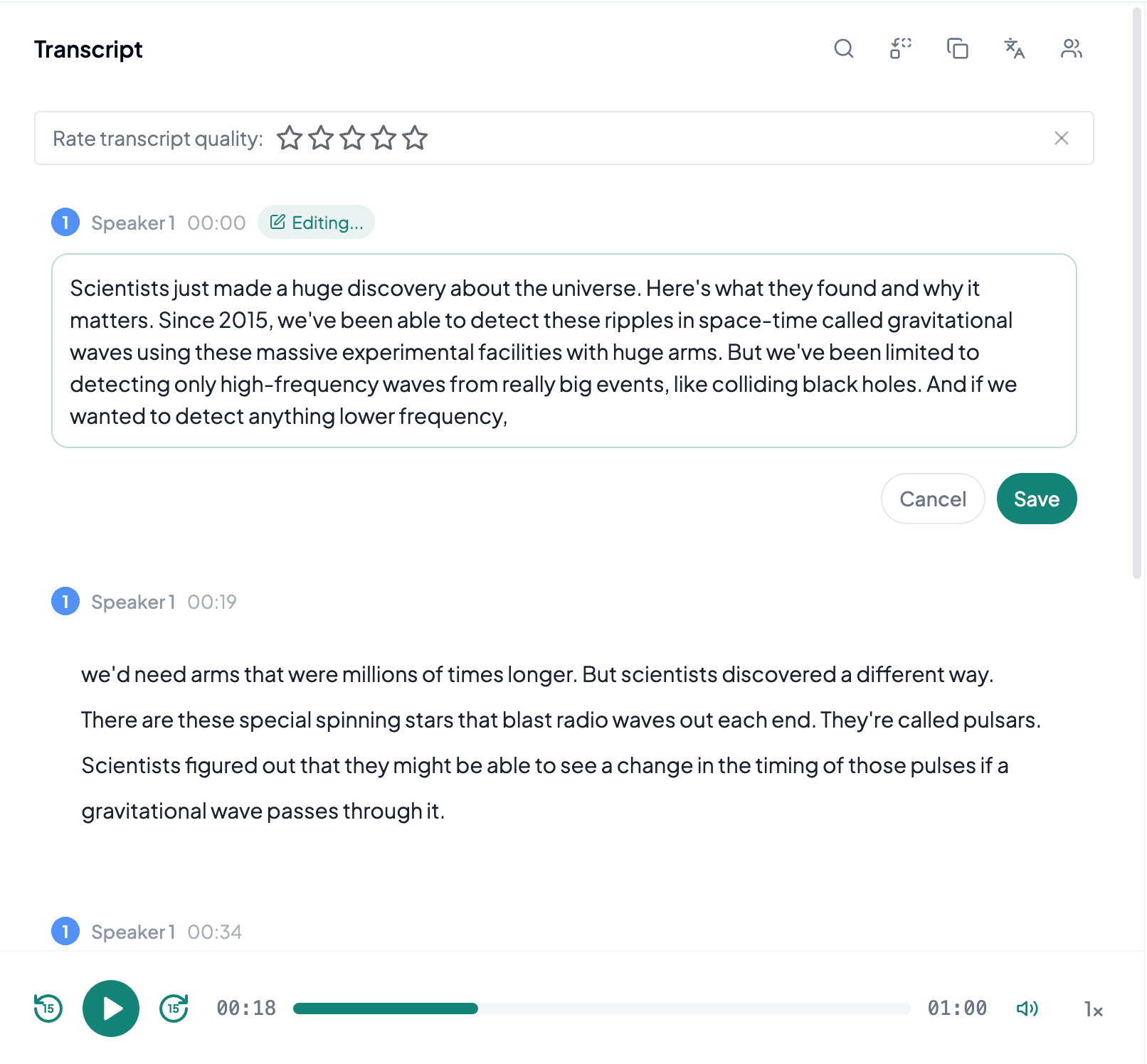
Individual microphones are often recorded as WAV for editing. Transcripts can guide cuts, quotations, and show notes, while isolated tracks help identify speakers and repair a difficult mix.
Upload a WAV recording and create editable text from interviews, lectures, meetings, studio sessions, or field audio.
or click to browse your computerTap to browse your files
Supported formats include 3GP, AAC, AMR, AWB, FLAC, M4A, MKA, MKV, MOV, MP2, MP3, MP4, MPG, OGA, OGG, OPUS, TS, WAV, WEBA, WEBM, WMA, WMV.
By using Audio To Text Converter, you agree to our Terms of Service and Privacy Policy.
Add the original WAV recording, generate a transcript, and export text or captions while preserving the source file.
Choose the complete .wav file with the intended microphone or channel mix, confirm playback, and upload it from the audio tab.
AI processes the spoken content and creates an accurate, readable transcript.
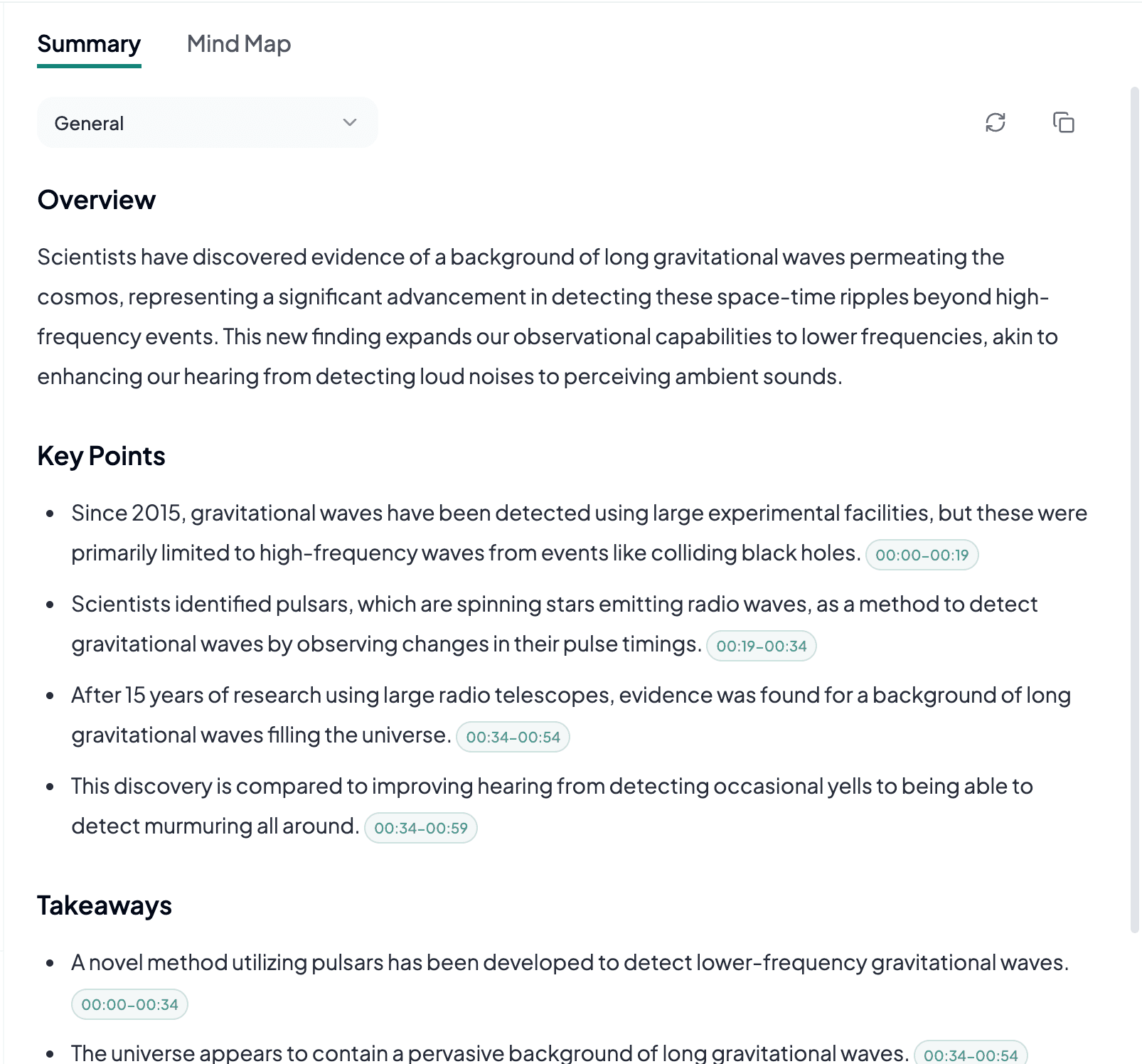
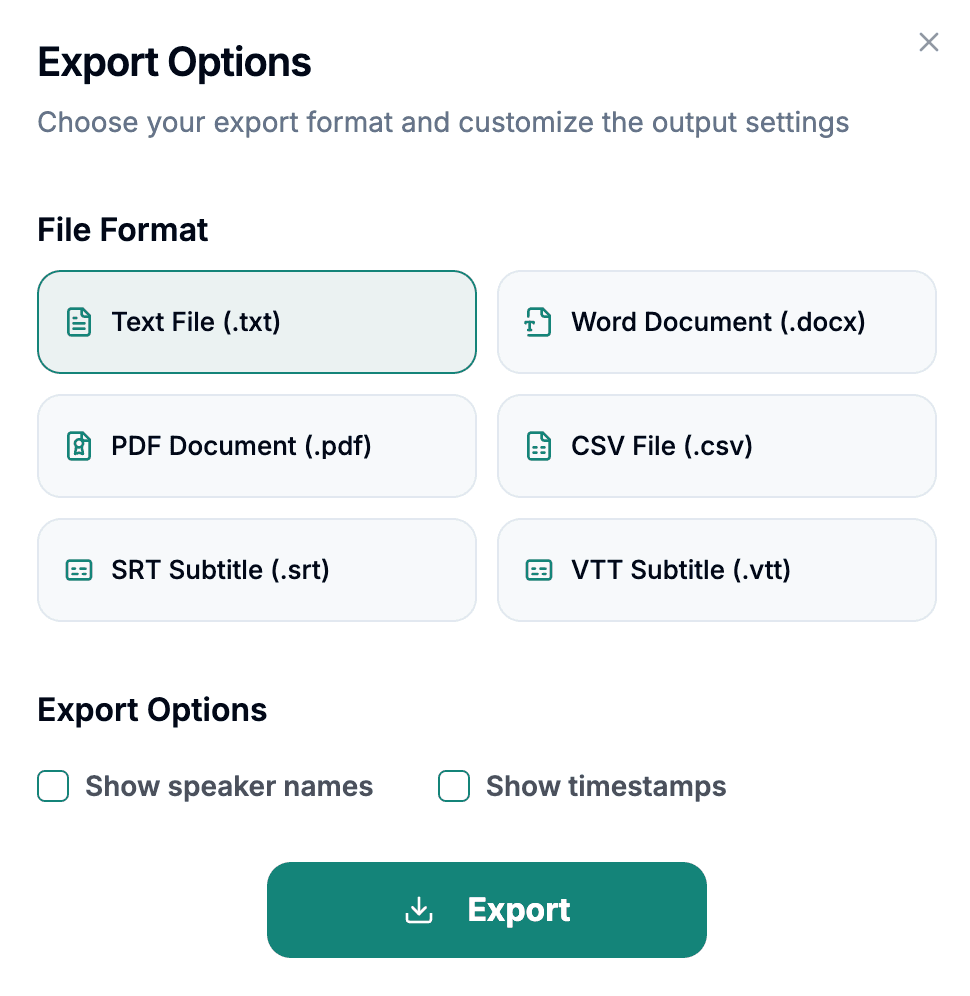
Download the transcript as TXT, PDF, DOCX, SRT, VTT, CSV, or use it for summaries, captions, and searchable notes.
Explore other audio formats supported by Audio To Text Converter.
WAV is a container format strongly associated with uncompressed PCM audio, although it can also hold other encodings. Recorders, audio workstations, cameras, research equipment, and operating systems commonly create WAV files. PCM WAV preserves the sampled signal without lossy compression, which avoids codec artifacts and makes it a strong source when microphone placement and recording levels were good. The tradeoff is size: long, multichannel, high-sample-rate files can be much larger than compressed alternatives.
Large numbers do not automatically mean better speech. A 96 kHz studio file with a distant, reverberant microphone may be harder to understand than a modest recording captured close to the speaker. Check for clipping, very low levels, empty channels, and channel layouts that place different microphones or languages on separate sides. If a smaller working copy is necessary, retain the WAV master and document how the copy was created.
WAV to text is a natural fit when speech was captured for editing, research, preservation, or professional production at the best available quality.
Individual microphones are often recorded as WAV for editing. Transcripts can guide cuts, quotations, and show notes, while isolated tracks help identify speakers and repair a difficult mix.
Lossless source audio supports careful review of interviews, statements, and terminology. Critical evidence, names, and numbers should still be verified manually against the recording.
Portable recorders frequently produce WAV. Text improves access and search, but wind, handling noise, room echo, and distant audience questions remain source limitations.
WAV preparation focuses on channel selection, file completeness, and manageable transfer rather than improving an already lossless signal through conversion.
Confirm that the speech microphone is present on the expected channel and that one side is not silent, clipped, or far quieter than the other.
If you trim or downmix a long WAV, work from a copy and preserve the original for future verification or a different channel selection.
Use a stable connection for large uploads and confirm that the complete duration arrived before deleting or moving the source recording.