
Web and Open-source Recordings
Applications may save narration, calls, or captured audio as OGG. A transcript makes the material easier to search and share without requiring every collaborator to use the same playback tool.
Upload an OGG recording and turn speech from web, open-source, game, or media workflows into editable text.
or click to browse your computerTap to browse your files
Supported formats include 3GP, AAC, AMR, AWB, FLAC, M4A, MKA, MKV, MOV, MP2, MP3, MP4, MPG, OGA, OGG, OPUS, TS, WAV, WEBA, WEBM, WMA, WMV.
By using Audio To Text Converter, you agree to our Terms of Service and Privacy Policy.
Add an OGG file, transcribe its audible speech, and export the reviewed result for documentation or captions.
Choose the original .ogg file, confirm that the intended audio stream plays completely, and upload it from the audio tab.
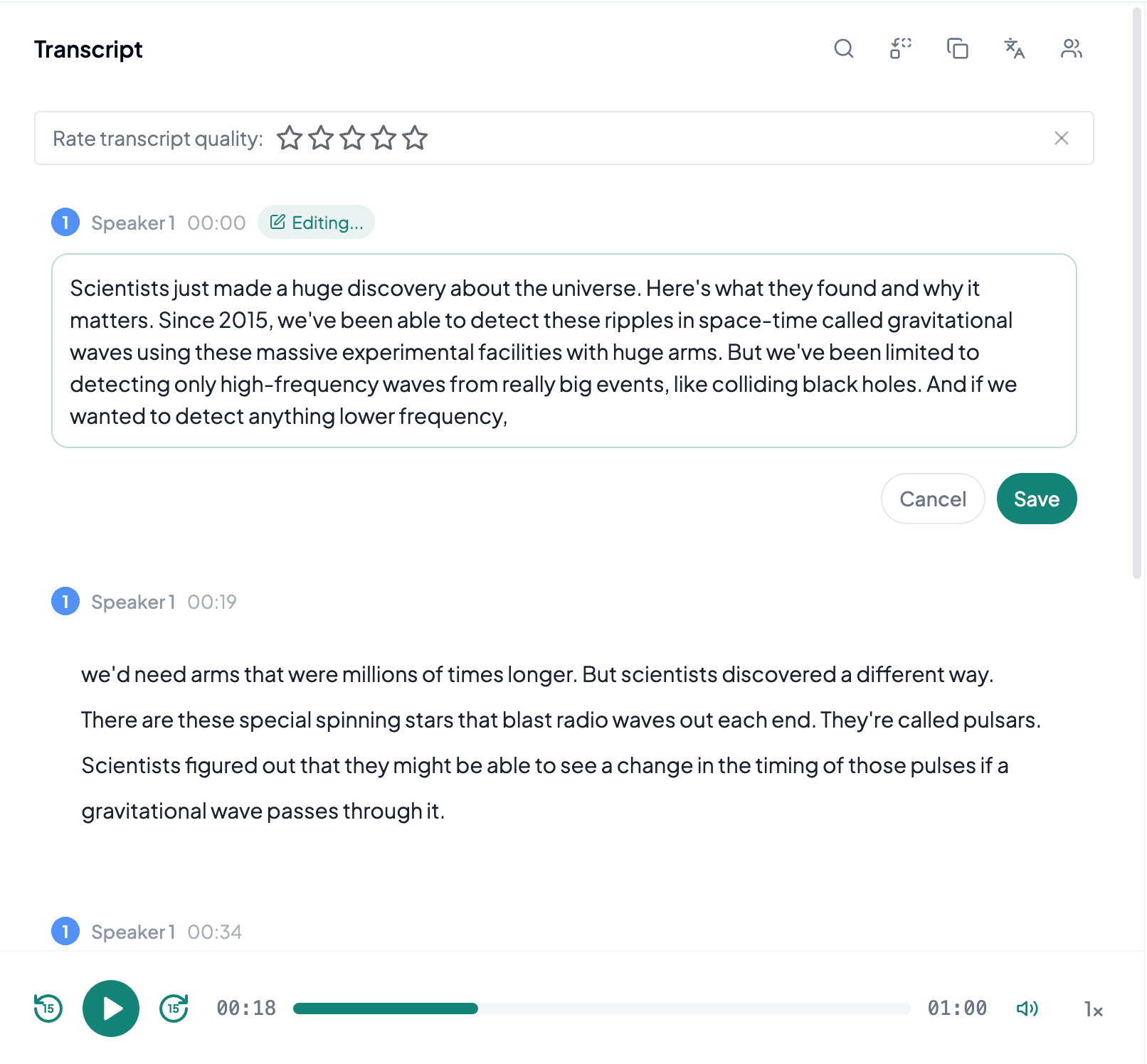
AI processes the spoken content and creates an accurate, readable transcript.
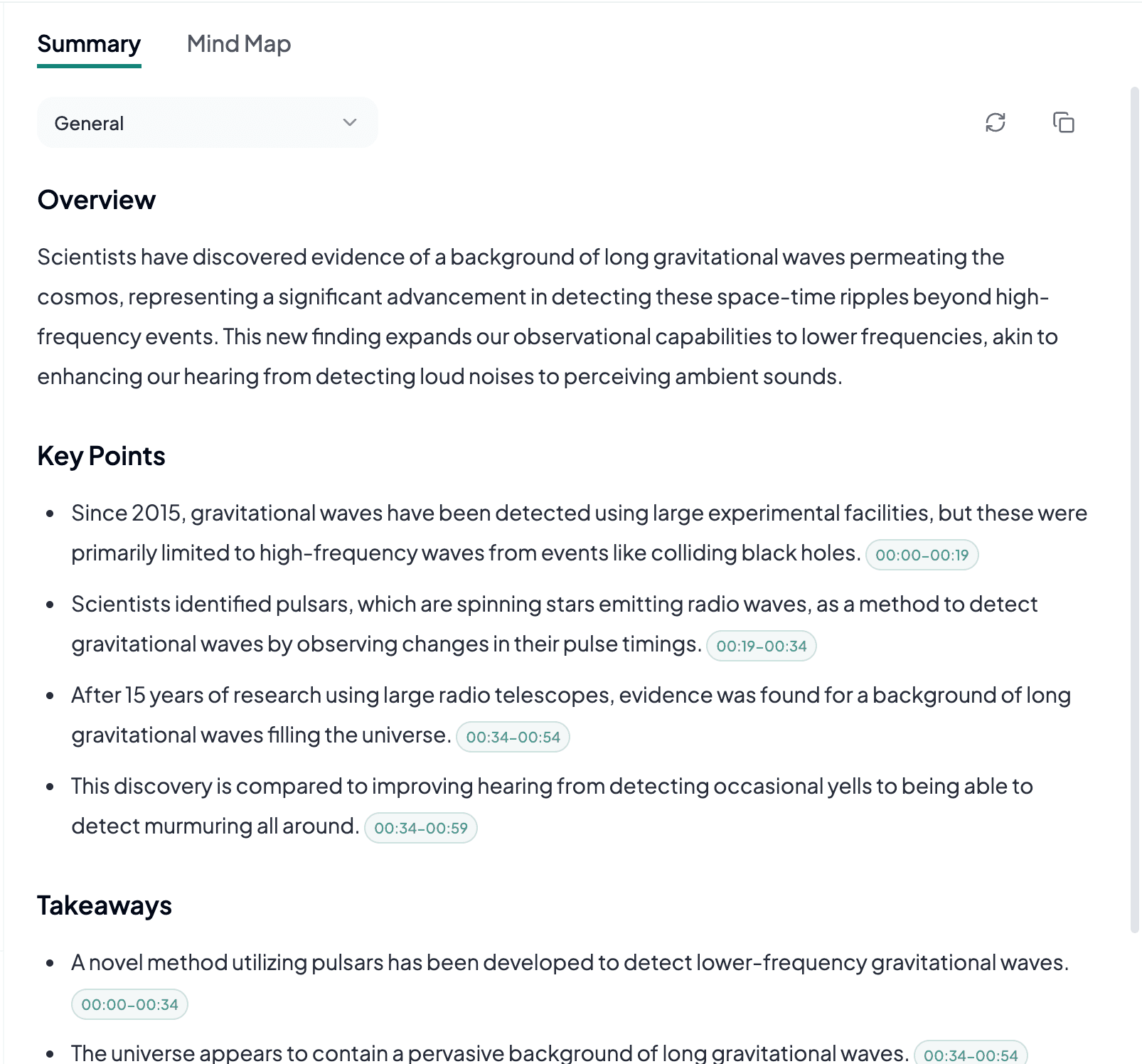
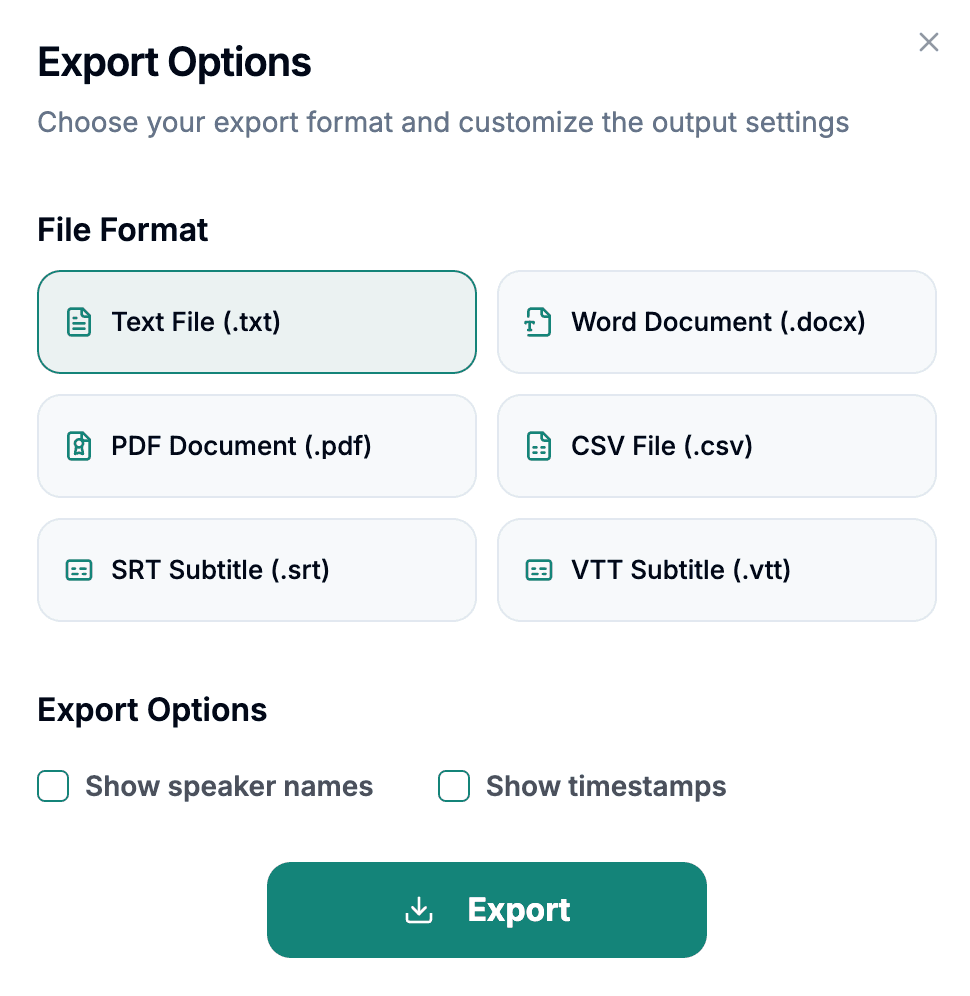
Download the transcript as TXT, PDF, DOCX, SRT, VTT, CSV, or use it for summaries, captions, and searchable notes.
Explore other audio formats supported by Audio To Text Converter.
OGG commonly refers to media stored in the open Ogg container, often with Vorbis audio and sometimes with Opus or other codecs. It appears in open-source applications, browser experiences, games, downloads, and media libraries. Because Ogg is a container technology rather than a guarantee of one codec, speech quality can vary from high-quality music-oriented Vorbis to compact voice-focused Opus. The file extension alone cannot explain how the recording was captured.
An OGG file that plays clearly is normally ready for transcription. Re-encoding it to MP3 only changes the delivery format and may add another generation of lossy compression. Check for chained streams, abrupt endings, or different loudness between segments when the file was assembled from several sources. For dialogue extracted from games or interactive media, retain filenames and context because a clean isolated sentence can still be difficult to interpret without its scene or speaker.
OGG to text supports open media workflows where spoken content needs to move from an application asset or downloadable recording into a searchable document.
Applications may save narration, calls, or captured audio as OGG. A transcript makes the material easier to search and share without requiring every collaborator to use the same playback tool.
Teams can turn voice lines into a script inventory for review, accessibility, or localization. Preserve asset names and ordering so the text remains connected to characters and scenes.
Some publishers distribute OGG as an open alternative to MP3. Transcription supports notes, quotations, and captions, while music and crowd noise should be checked against the recording.
The most reliable OGG workflow keeps the original stream, verifies complete playback, and preserves any context outside the audio itself.
Scrub through long or assembled files to ensure volume remains consistent and the last section was not lost during download or export.
For short clips, store the speaker, scene, filename, or sequence next to the transcript instead of reviewing disconnected lines with no reference.
Use the playable OGG directly so speech is not exposed to another lossy encode before it reaches the transcription workflow.