
Online Meetings and Calls
Convert recorded discussions into decisions, action items, or searchable minutes. Check moments where network warnings, cross-talk, or automatic muting affected one participant.
Upload an Opus recording from a call, browser, meeting, or voice application and convert its speech into searchable text.
or click to browse your computerTap to browse your files
Supported formats include 3GP, AAC, AMR, AWB, FLAC, M4A, MKA, MKV, MOV, MP2, MP3, MP4, MPG, OGA, OGG, OPUS, TS, WAV, WEBA, WEBM, WMA, WMV.
By using Audio To Text Converter, you agree to our Terms of Service and Privacy Policy.
Add the original Opus recording, create the transcript, and review passages affected by network loss or overlapping speakers.
Choose the complete .opus file from the recording application, confirm that both sides of the conversation play, and upload it.
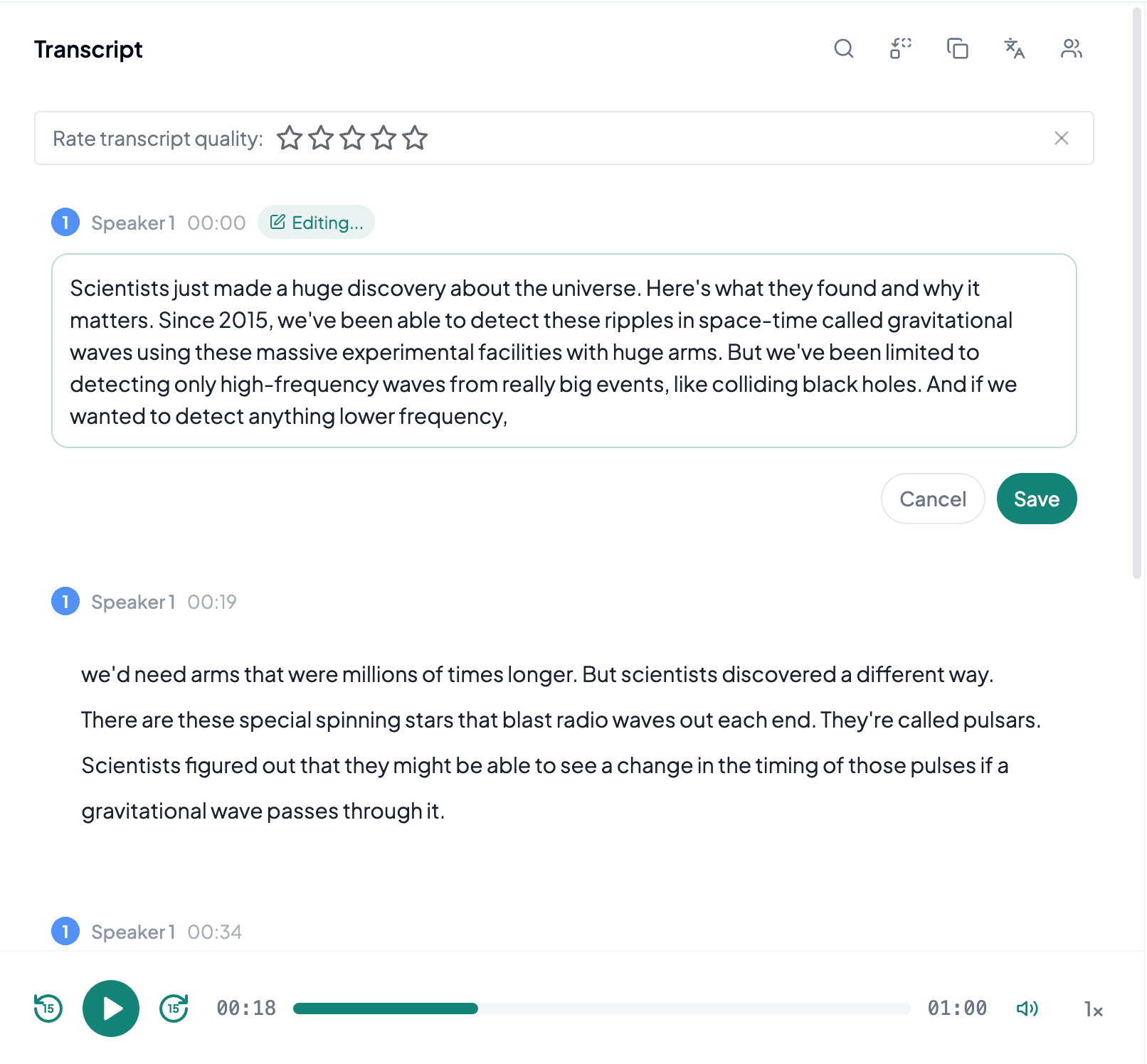
AI processes the spoken content and creates an accurate, readable transcript.
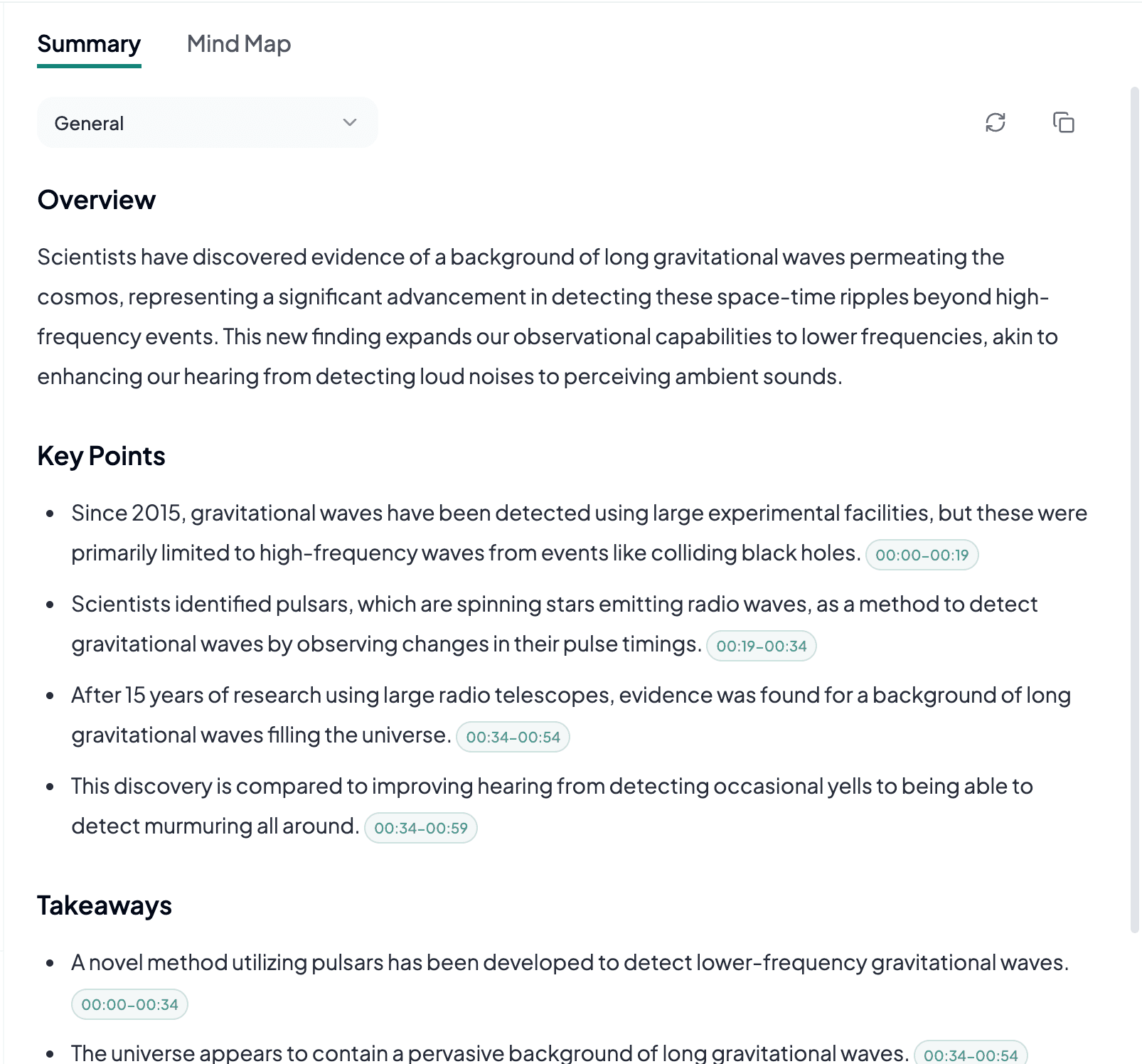
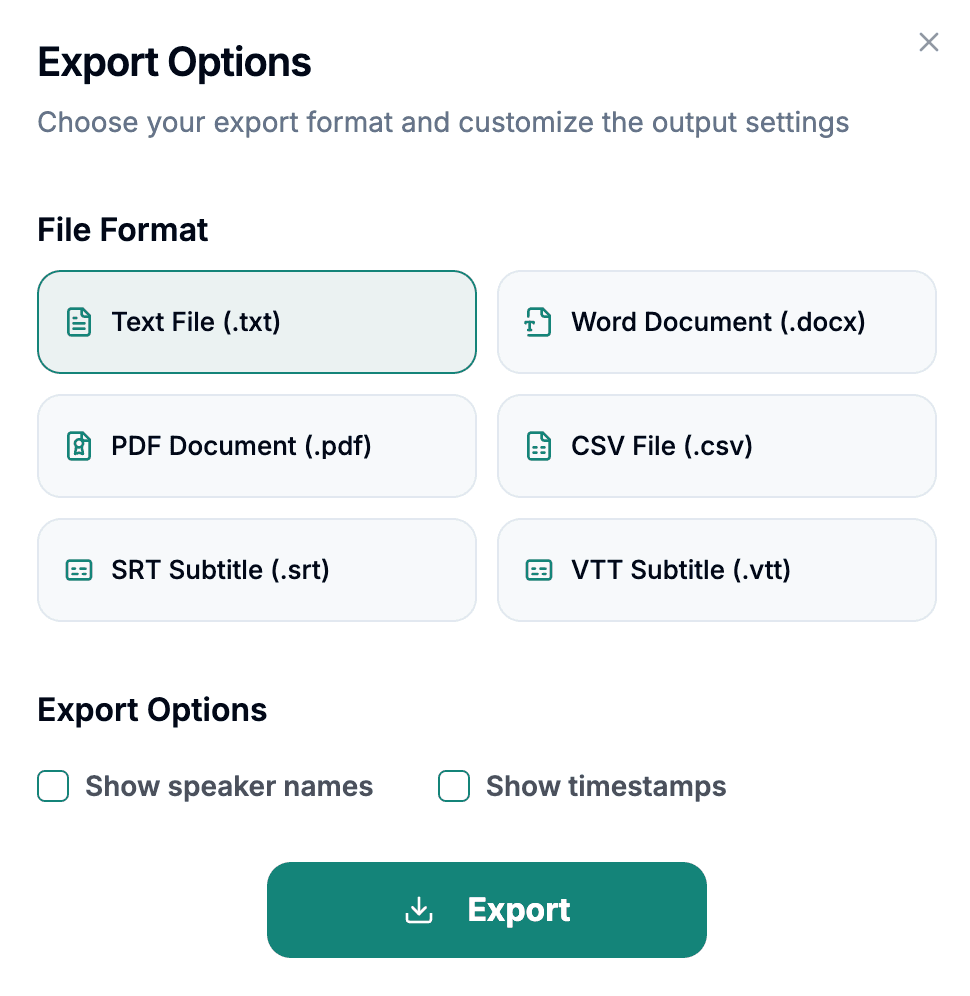
Download the transcript as TXT, PDF, DOCX, SRT, VTT, CSV, or use it for summaries, captions, and searchable notes.
Explore other audio formats supported by Audio To Text Converter.
Opus is a modern, open audio codec designed to handle both speech and broader audio across a wide range of bitrates. It is widely used in WebRTC, voice chat, conferencing, messaging, browsers, and streaming because it can adapt efficiently to changing network and content conditions. Opus can preserve very clear speech in a small file, but a recorded call may also contain packet loss, noise suppression, echo cancellation, or automatic level changes introduced before the audio was saved.
Those communication effects matter more than the .opus extension itself. A file can decode perfectly while a remote participant drops syllables because the network failed during the original call. Converting Opus to WAV cannot reconstruct missing packets or undo aggressive noise gating. Keep the original recording and listen to both local and remote speakers. If a meeting platform provides separate tracks, those can be easier to review than a single mixed conversation.
Opus to text is especially useful for modern online conversations and browser recordings that already use an efficient speech-capable codec.
Convert recorded discussions into decisions, action items, or searchable minutes. Check moments where network warnings, cross-talk, or automatic muting affected one participant.
Opus is common in group voice applications. Transcripts can support moderation notes, summaries, or research, but nicknames and several simultaneous speakers often require contextual correction.
Web tools may save microphone recordings as Opus. Text can turn spoken drafts or user research into documents without creating a separate uncompressed file first.
With Opus communication audio, check the recording path and network artifacts before assuming every unclear word is a transcription problem.
Listen to local and remote speakers because conferencing systems can produce very different levels and quality for each person in the same file.
Mark gaps, robotic sounds, or abrupt cuts as source limitations. Re-encoding cannot recover speech that the call never recorded.
If the platform offers isolated participant recordings, keep them with the mixed file for easier speaker identification and correction.