
Podcasts and Published Audio
A transcript can become show notes, quotations, articles, newsletters, or source material for clips. Verify sponsor names, guest names, and technical terms before publishing derivative copy.
Upload an MP3 recording and turn interviews, lectures, meetings, podcasts, or voice notes into editable text.
or click to browse your computerTap to browse your files
Supported formats include 3GP, AAC, AMR, AWB, FLAC, M4A, MKA, MKV, MOV, MP2, MP3, MP4, MPG, OGA, OGG, OPUS, TS, WAV, WEBA, WEBM, WMA, WMV.
By using Audio To Text Converter, you agree to our Terms of Service and Privacy Policy.
Add an MP3 recording, let AI transcribe the spoken content, and export the reviewed result as text or captions.
Choose the original MP3 with the clearest available speech, confirm that it plays completely, and upload it from the audio tab.
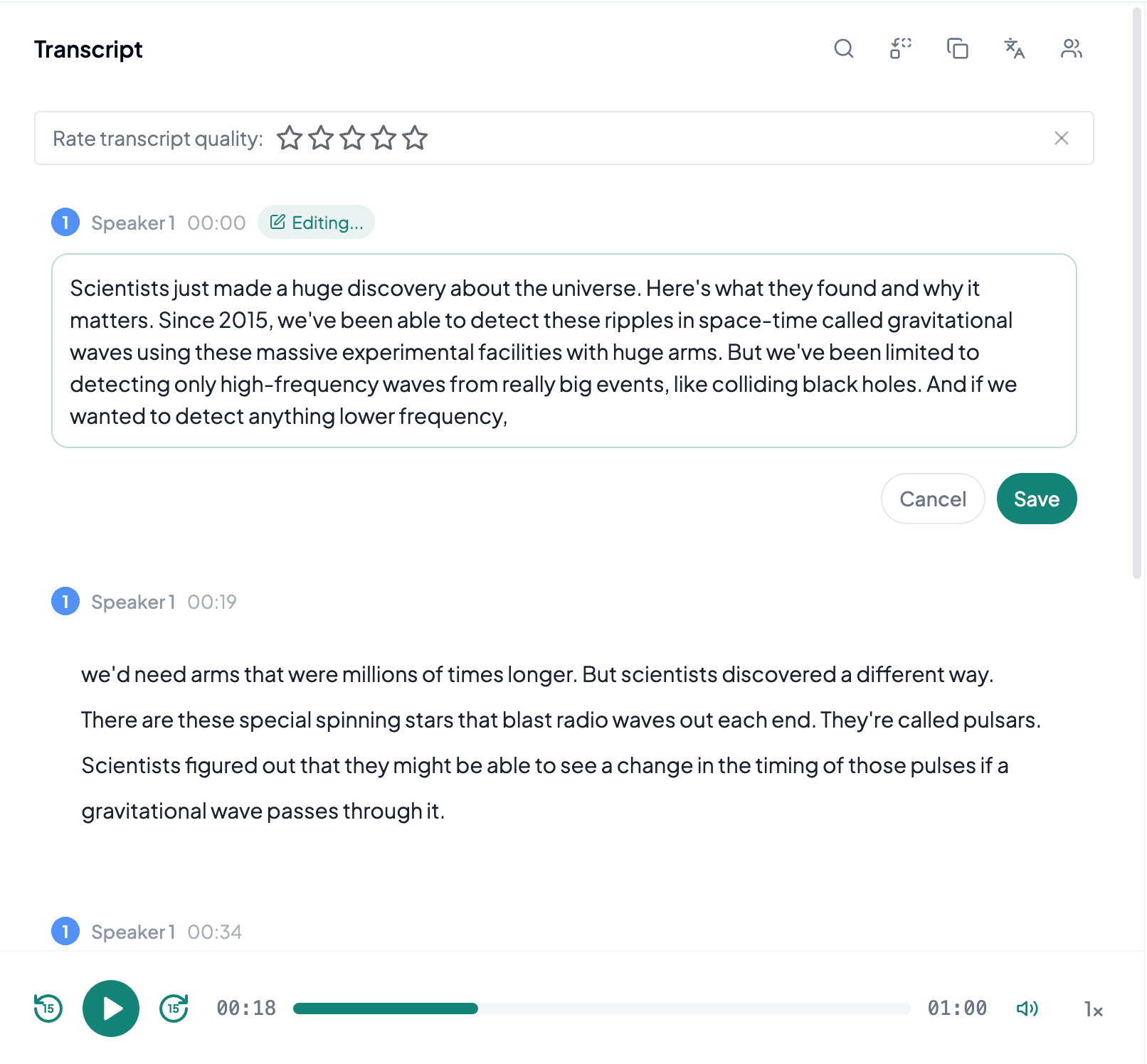
AI processes the spoken content and creates an accurate, readable transcript.
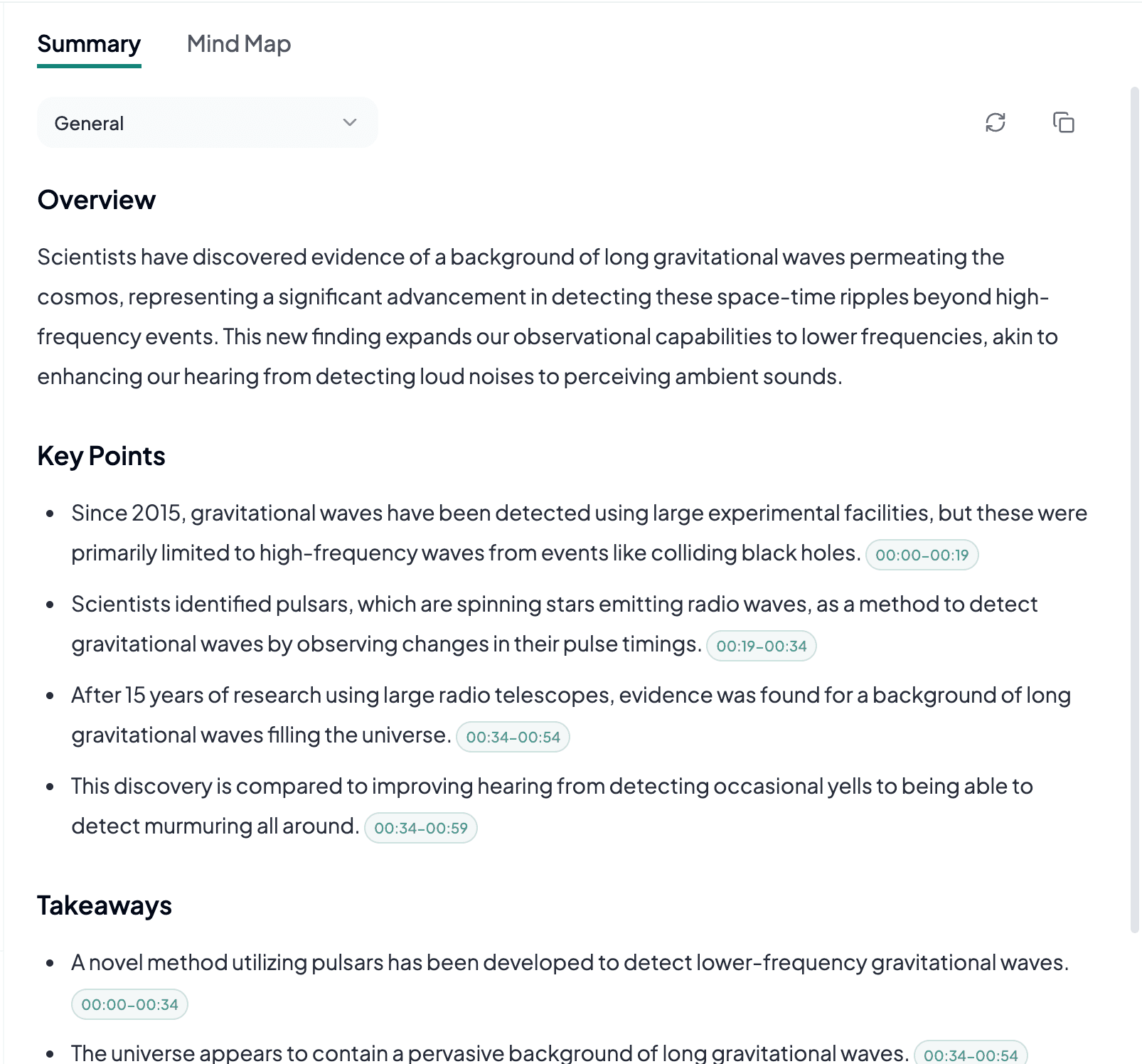
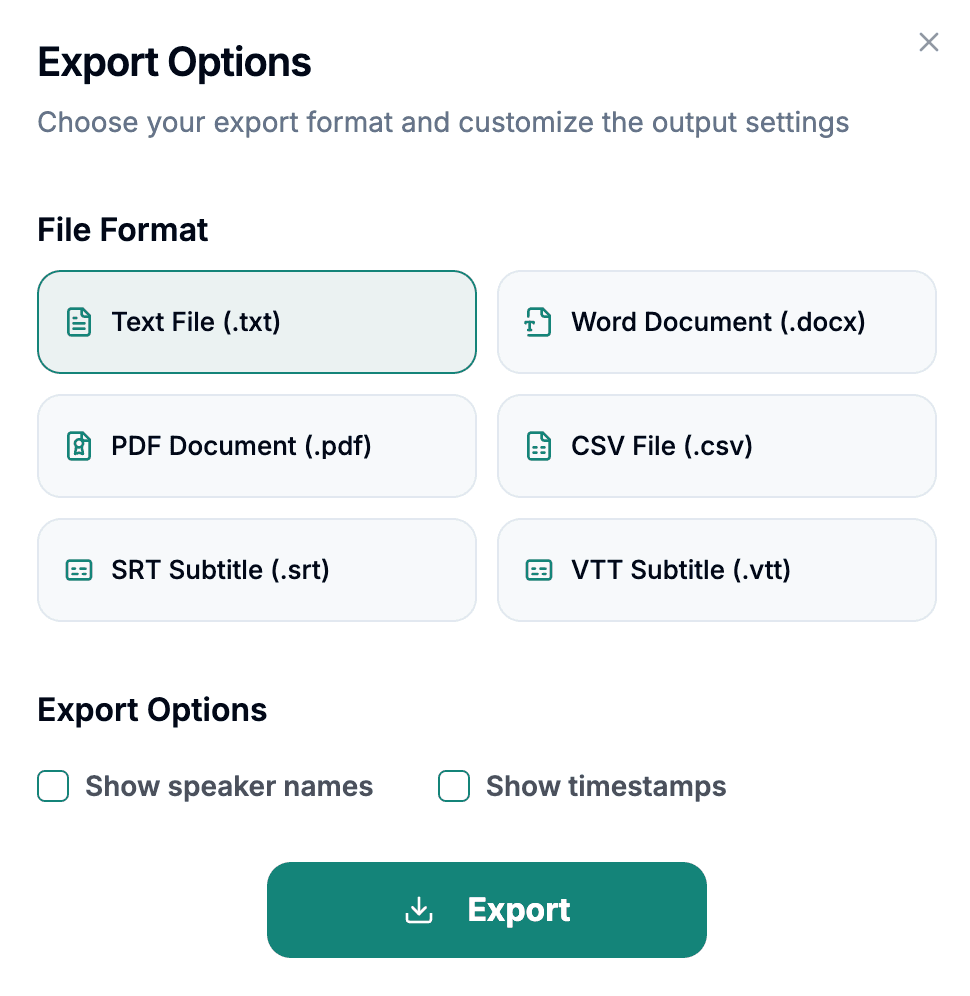
Download the transcript as TXT, PDF, DOCX, SRT, VTT, CSV, or use it for summaries, captions, and searchable notes.
Explore other audio formats supported by Audio To Text Converter.
MP3 is one of the most familiar compressed audio formats and is used for podcasts, interviews, lectures, music, downloads, and recorder exports. It uses lossy encoding to make files smaller by discarding audio information considered less noticeable. A well-encoded MP3 can preserve speech clearly, while a very low bitrate or repeatedly converted file may introduce warbling, smeared consonants, and background artifacts that make individual words harder to distinguish.
The best MP3 transcription source is usually the earliest complete export, not the smallest copy shared through several applications. Bitrate alone does not determine results: microphone distance, room echo, overlapping speakers, and background music often matter more. Listen to representative sections and confirm that all participants are audible. If the MP3 contains cover art or metadata, those items do not replace the need to verify the actual spoken language and recording duration.
MP3 to text covers many everyday workflows because the format is portable, compact, and supported by a wide range of devices and publishing tools.
A transcript can become show notes, quotations, articles, newsletters, or source material for clips. Verify sponsor names, guest names, and technical terms before publishing derivative copy.
Searchable text helps identify decisions, themes, and follow-up tasks without replaying the entire conversation. Speaker overlap and conference-room distance are common reasons to compare key passages with the audio.
Turn recorded instruction into study notes, documentation, or an accessible written reference. Slides, formulas, and visual demonstrations may require separate context that audio alone cannot provide.
MP3 normally requires no format conversion; preparing it is mainly about selecting the least-compressed complete source and identifying passages that need review.
When possible, export from the recorder or publisher directly because chat applications may compress the MP3 again or shorten long transfers.
Music beds and sound effects can mask quiet dialogue. Mark those sections so names and quotations can be checked during editing.
Retain the MP3 until factual details have been reviewed, especially when the transcript will support research, publication, or official notes.