
Media and Broadcast Archives
Archived programs may use MKA to retain language tracks, commentary, or metadata. A transcript improves catalog search, but the archivist should record which track and edition produced the text.
Upload an MKA container and turn the selected spoken audio into text for archives, interviews, or production review.
or click to browse your computerTap to browse your files
Supported formats include 3GP, AAC, AMR, AWB, FLAC, M4A, MKA, MKV, MOV, MP2, MP3, MP4, MPG, OGA, OGG, OPUS, TS, WAV, WEBA, WEBM, WMA, WMV.
By using Audio To Text Converter, you agree to our Terms of Service and Privacy Policy.
Add an MKA file, confirm the intended audio track, create the transcript, and export it for editing or documentation.
Select the .mka file that contains the intended program or language track, confirm playback, and upload it from the audio tab.
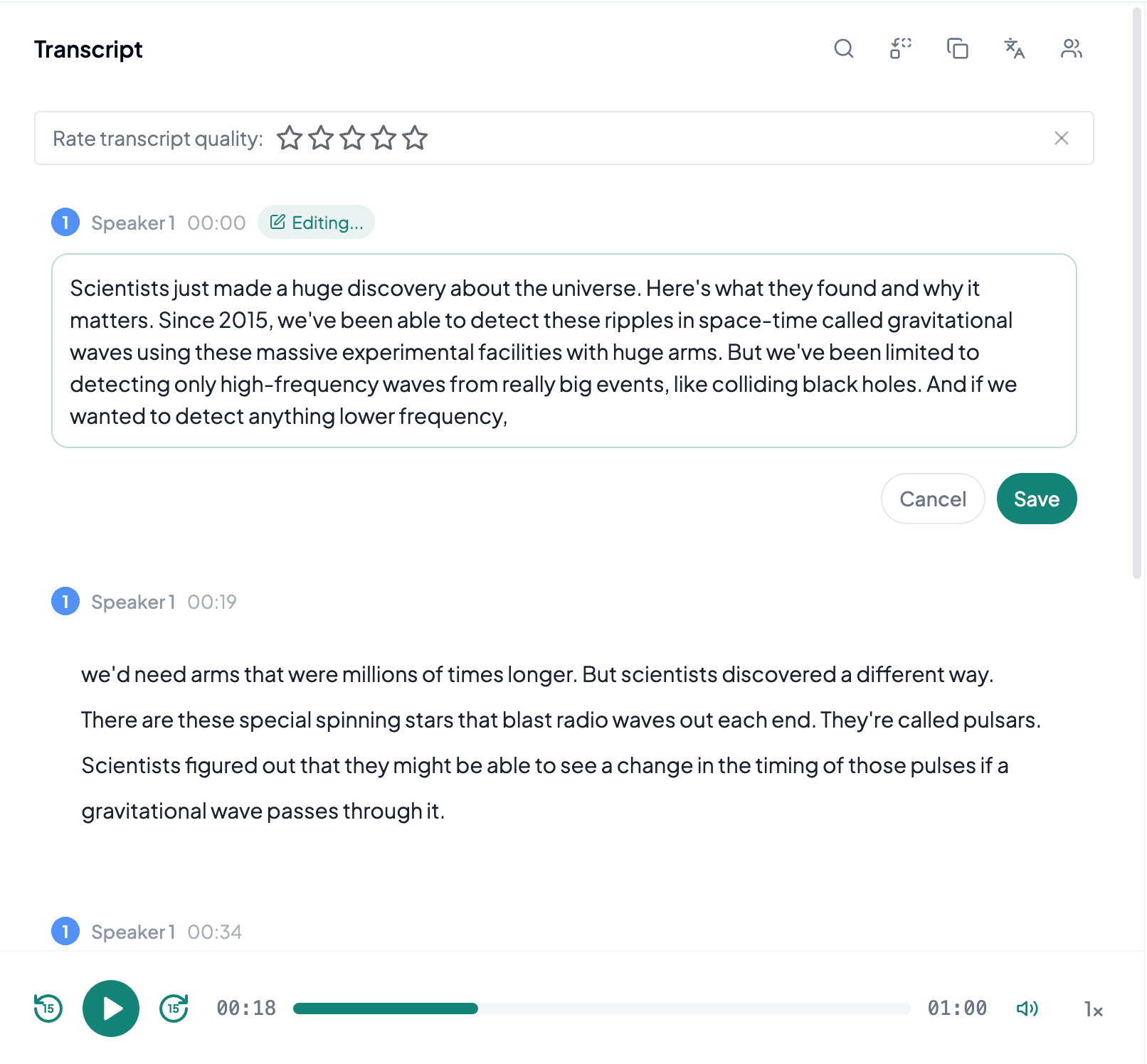
AI processes the spoken content and creates an accurate, readable transcript.
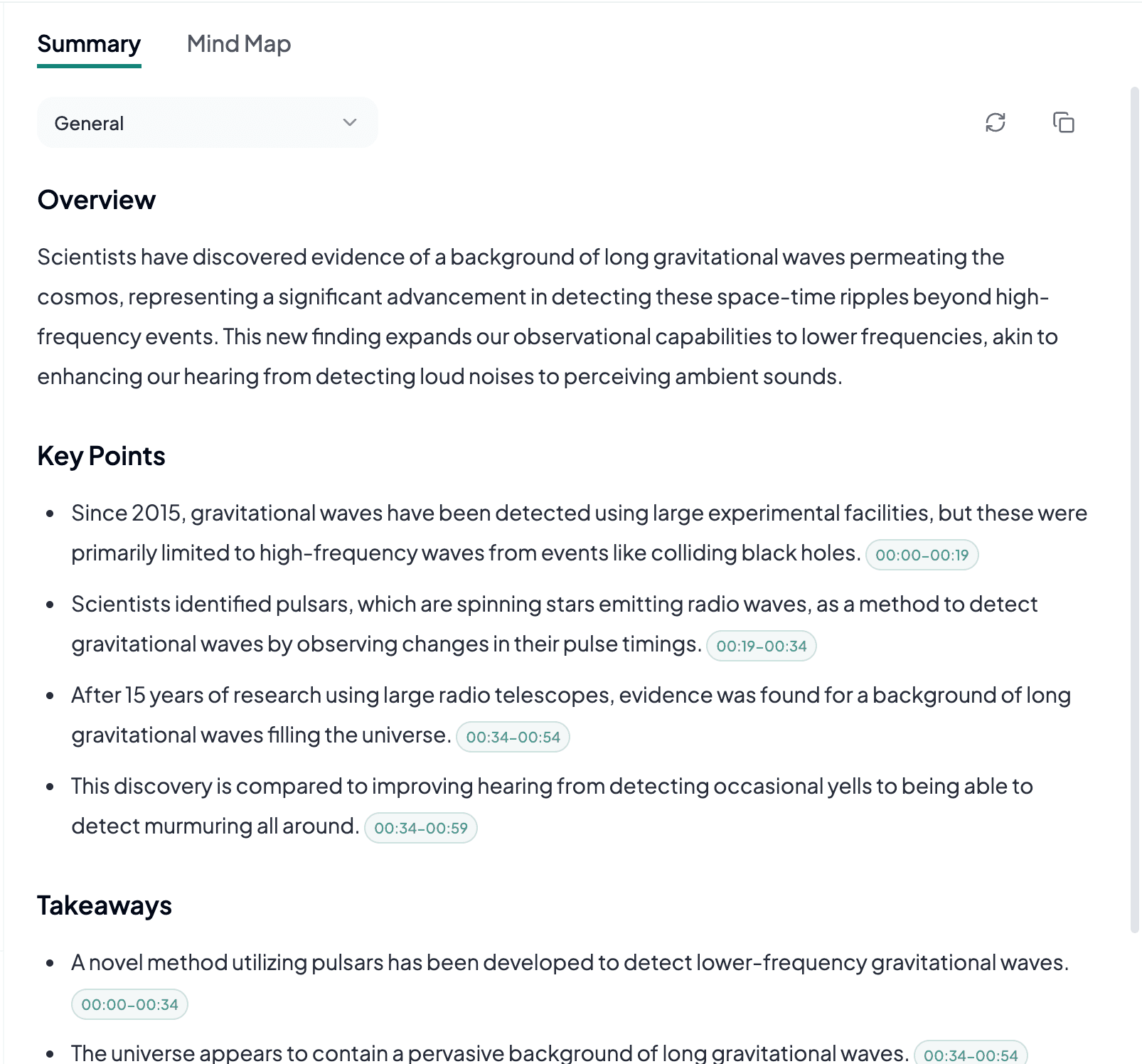
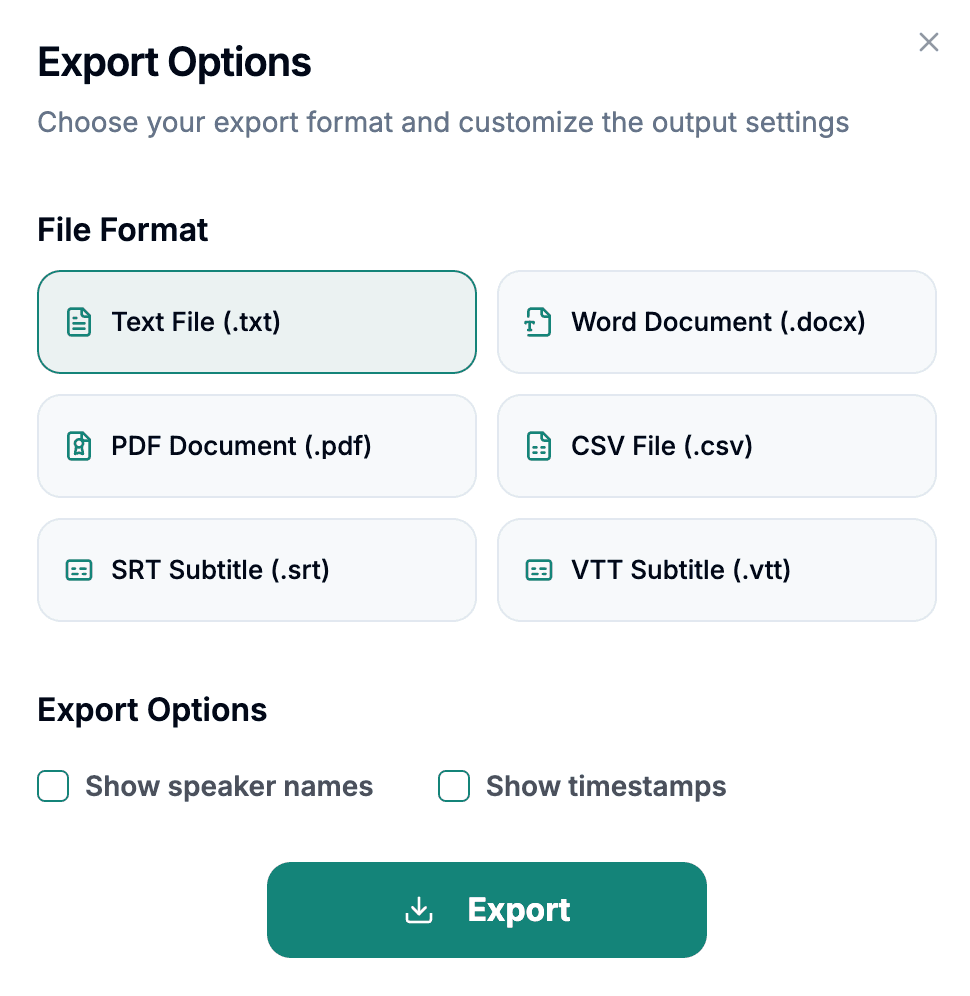
Download the transcript as TXT, PDF, DOCX, SRT, VTT, CSV, or use it for summaries, captions, and searchable notes.
Explore other audio formats supported by Audio To Text Converter.
MKA is the audio-focused extension for the Matroska multimedia container. Unlike a single audio codec, Matroska can wrap several encoding types and may store multiple audio tracks, language labels, chapters, attachments, or rich metadata. An MKA file might contain a lossless interview master, compressed program audio, commentary, or several language versions. For transcription, choosing the intended track is more important than the extension itself because the container can describe many different sources.
MKA is common in archival, enthusiast, remuxing, and media production workflows where flexibility matters. Some players automatically select the first or default track, which may not be the language or mix you expect. Listen to the file before upload and confirm that the audible program matches the desired transcript. If separate tracks contain isolated speakers or a cleaner dialogue mix, retaining those sources may make later correction easier than working from a mixed-down copy.
MKA to text is valuable when spoken audio has been preserved in a flexible Matroska container rather than exported to a simpler single-track file.
Archived programs may use MKA to retain language tracks, commentary, or metadata. A transcript improves catalog search, but the archivist should record which track and edition produced the text.
One container can hold several languages or alternate mixes. Select the correct audio before transcription and avoid combining unrelated tracks into one document unless that is an intentional comparative workflow.
Editors may exchange dialogue, commentary, or finished program sound in Matroska. Text can support review notes, captions, or approvals while the MKA remains the reference for timing and track structure.
The safest MKA workflow starts with track identification, not automatic conversion based only on the extension.
Use a capable player to check language, title, channel layout, and default-track information before deciding which audio should be transcribed.
Make sure commentary, descriptive audio, or alternate languages are not playing over the primary program when you expect a single clean transcript.
Record the selected track or edition alongside the exported text so another reviewer can reproduce and verify the transcript later.