
Radio and Television Archives
News reports, interviews, and documentary audio may survive as MP2. Transcripts make topics and guests searchable, while time-sensitive quotations should be verified against the actual broadcast recording.
Upload an MP2 recording from a broadcast, archive, or legacy workflow and convert its spoken audio into searchable text.
or click to browse your computerTap to browse your files
Supported formats include 3GP, AAC, AMR, AWB, FLAC, M4A, MKA, MKV, MOV, MP2, MP3, MP4, MPG, OGA, OGG, OPUS, TS, WAV, WEBA, WEBM, WMA, WMV.
By using Audio To Text Converter, you agree to our Terms of Service and Privacy Policy.
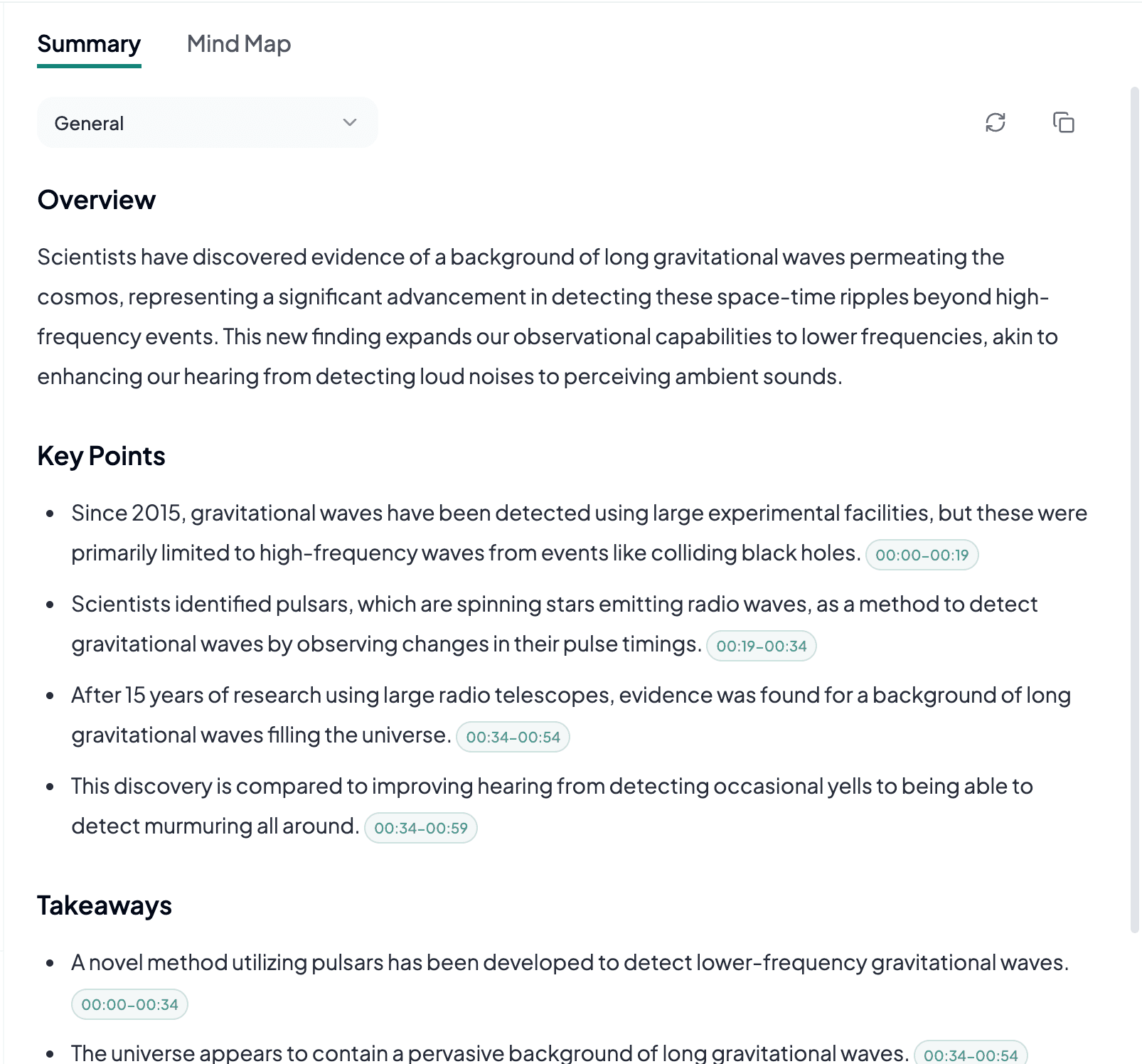
Add the MP2 source, generate a transcript from the audible program, and export text for review, captions, or records.
Choose the earliest complete .mp2 file available, check its program audio and duration, and upload it from the audio tab.
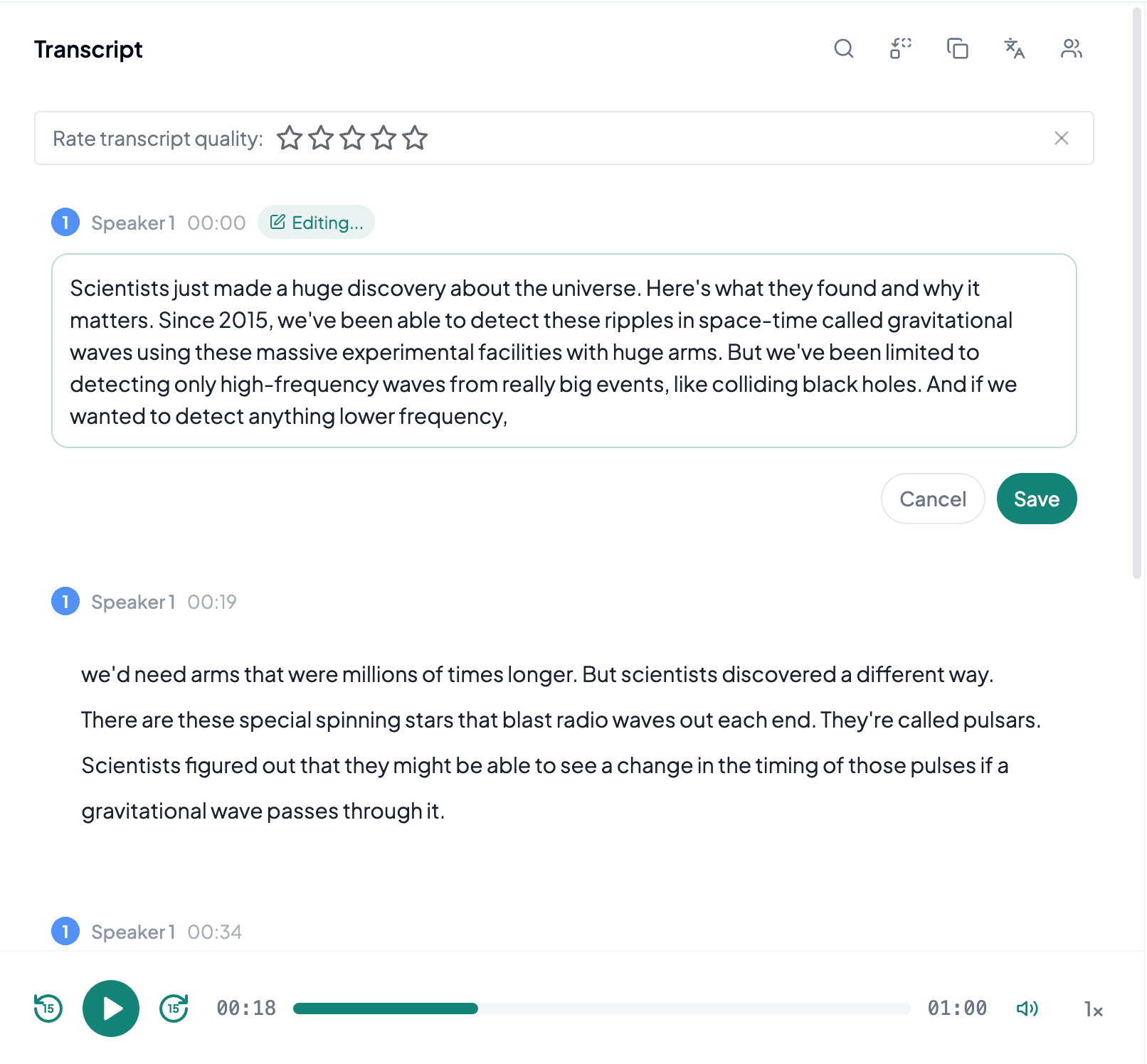
AI processes the spoken content and creates an accurate, readable transcript.
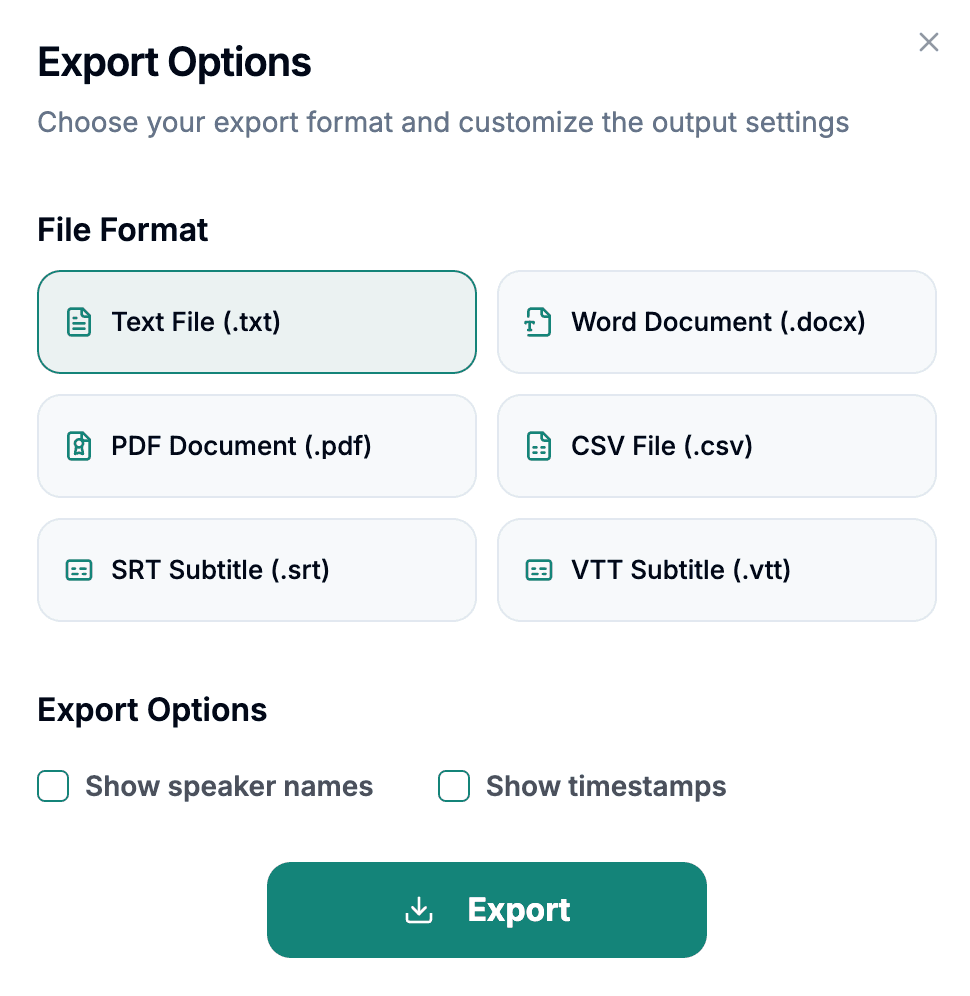
Download the transcript as TXT, PDF, DOCX, SRT, VTT, CSV, or use it for summaries, captions, and searchable notes.
Explore other audio formats supported by Audio To Text Converter.
MP2 usually refers to MPEG-1 Audio Layer II, a lossy codec that predates MP3 and remains associated with radio, television, digital broadcasting, and professional contribution systems. Its design uses higher bitrates efficiently for program audio and can sound clear when the original capture and encoding were well managed. Many MP2 files encountered today come from archives or transferred media, so their quality may reflect several generations of recording, broadcast processing, and copying.
The extension is easy to confuse with MP3, but simply renaming a file does not change its encoding. Converting an MP2 source to MP3 adds another lossy generation and can soften speech without offering transcription benefits. Use the earliest playable MP2 available. Check whether the file contains stereo program audio, dual mono, different languages on separate channels, or long non-speech segments that are typical of broadcast captures.
MP2 to text is especially useful for spoken material recovered from broadcast, newsroom, institutional, or long-running media collections.
News reports, interviews, and documentary audio may survive as MP2. Transcripts make topics and guests searchable, while time-sensitive quotations should be verified against the actual broadcast recording.
Recorded programs can be converted into working text for summaries, references, and clipping logs. Music beds, telephone inserts, and field reports may have very different levels within the same file.
Organizations with older digital assets may need to document lectures, training, or announcements. Text supports migration and discovery without requiring the original audio collection to be replaced.
Broadcast MP2 deserves a quick channel and generation check before transcription, especially when its history is uncertain.
Some broadcast files place different feeds or languages on separate channels. Listen to each channel before assuming the stereo mix is correct.
Prefer the source closest to the original broadcast capture and avoid derivatives that have already been converted to another lossy codec.
Long captures may include several shows, advertisements, or silence. Record time ranges so the exported transcript can be matched back to the correct segment.