
Legacy Phone Recordings
Older mobile devices frequently stored voice memos in AMR. Transcription makes the archive searchable and easier to catalog, even when the recordings need extra review for dates, addresses, or uncommon names.
Upload an AMR voice recording and create a searchable transcript for calls, field notes, or archived mobile audio.
or click to browse your computerTap to browse your files
Supported formats include 3GP, AAC, AMR, AWB, FLAC, M4A, MKA, MKV, MOV, MP2, MP3, MP4, MPG, OGA, OGG, OPUS, TS, WAV, WEBA, WEBM, WMA, WMV.
By using Audio To Text Converter, you agree to our Terms of Service and Privacy Policy.
Add an AMR speech recording, let AI convert the audible dialogue, and review unclear telephone-quality passages.
Select the original .amr recording, play a short sample to confirm the voice track, and upload it from the audio tab.
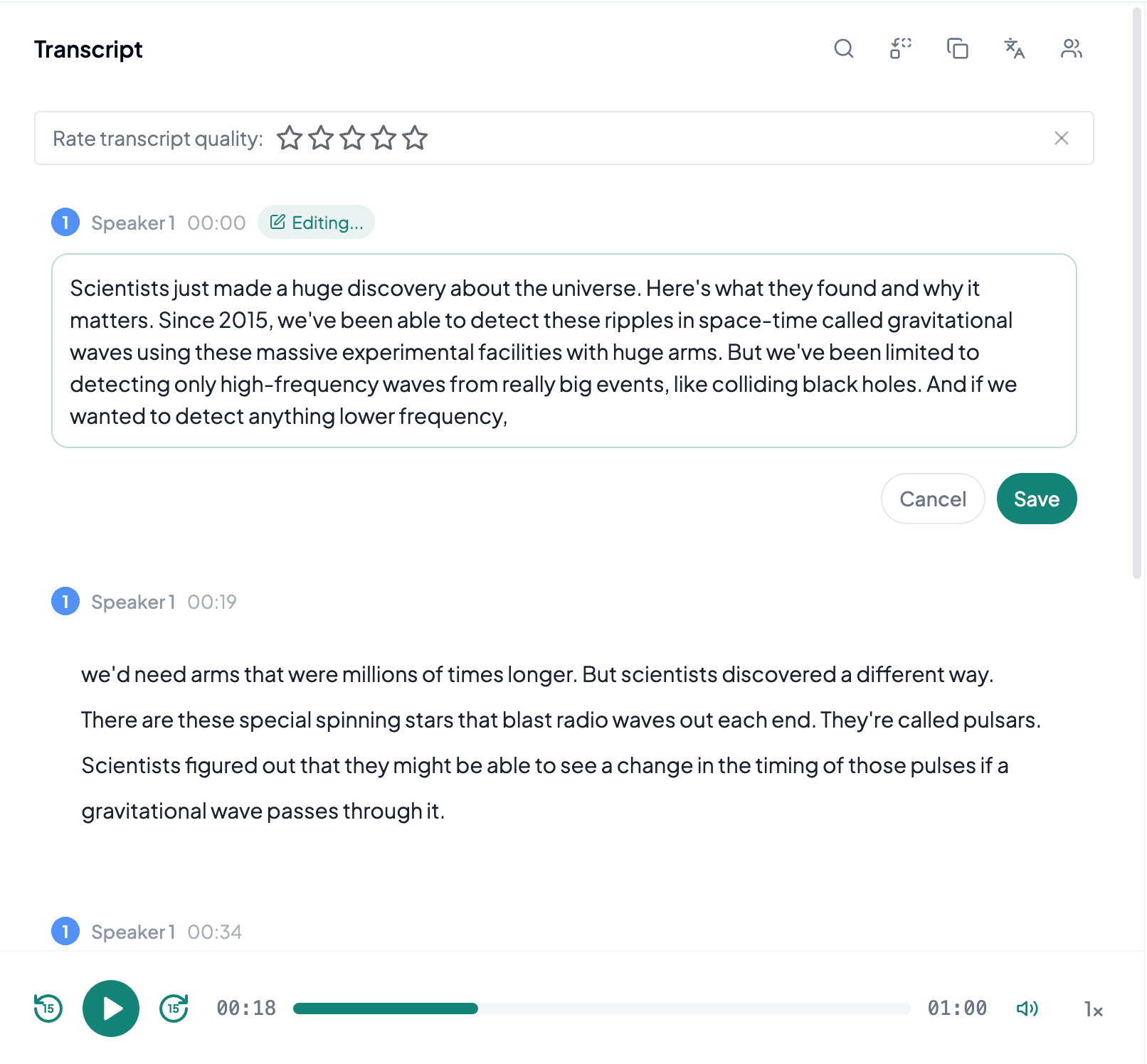
AI processes the spoken content and creates an accurate, readable transcript.
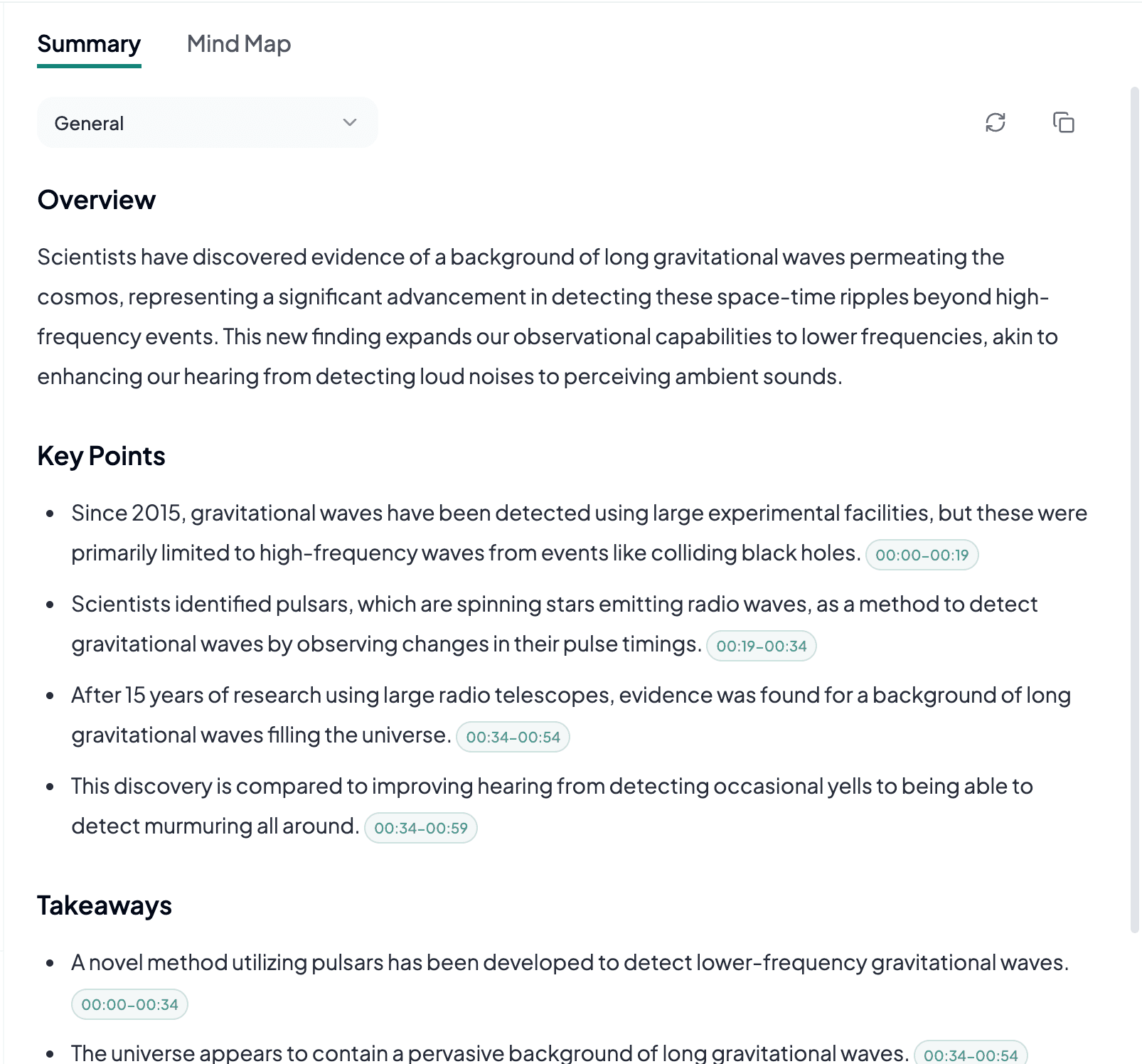
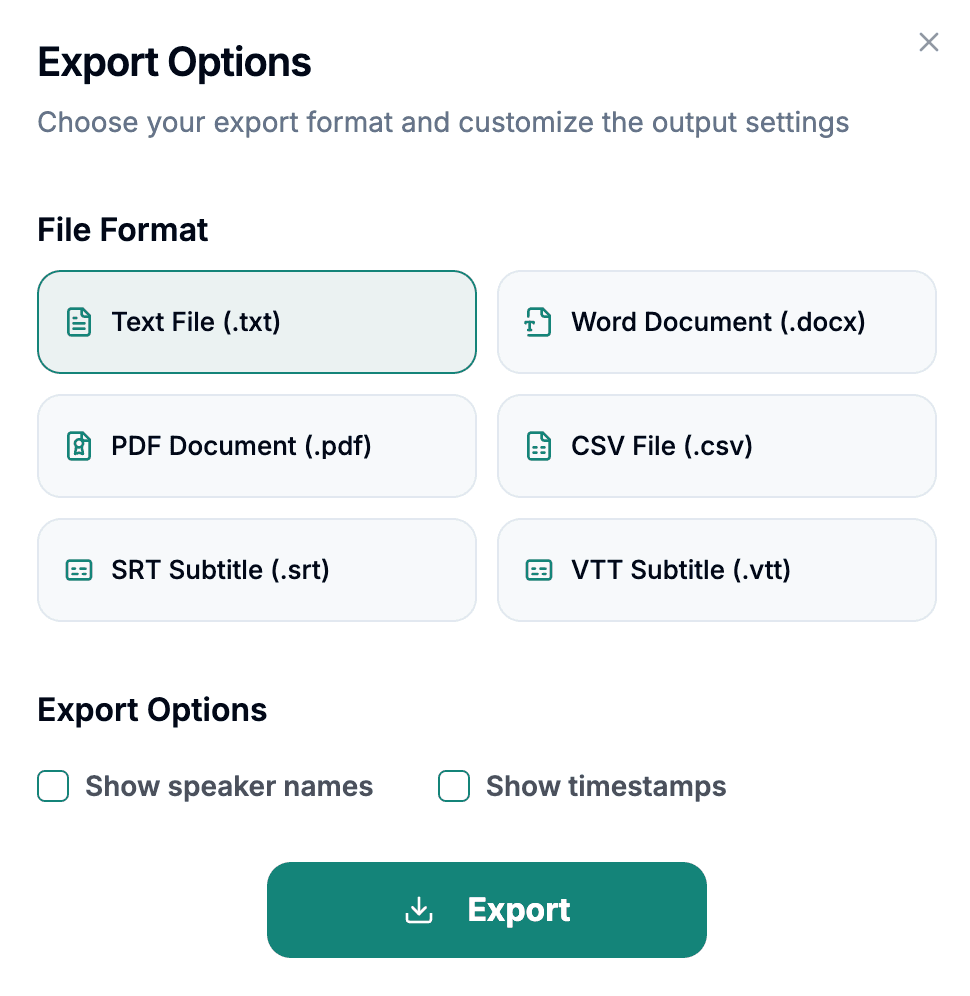
Download the transcript as TXT, PDF, DOCX, SRT, VTT, CSV, or use it for summaries, captions, and searchable notes.
Explore other audio formats supported by Audio To Text Converter.
AMR means Adaptive Multi-Rate and commonly refers to a family of codecs designed primarily for speech. AMR-NB, the narrowband variant often associated with .amr files, was widely used by mobile phones, voicemail systems, and communication equipment. Its priority is intelligible voice at low bitrates rather than full-frequency music reproduction. That makes AMR useful for compact call recordings, but the limited bandwidth can blur fine speech cues that matter when people speak quickly.
An AMR transcript can still be very useful when the recording has a close microphone and one person speaks at a time. Results become harder to review when a call contains line noise, speakerphone echo, overlapping voices, or a weak remote connection. Converting AMR to WAV changes the wrapper and file size but does not recreate frequencies or syllables that the original codec did not capture. The original AMR file is therefore the right starting point.
AMR to text is most relevant for speech-first recordings produced by phones or systems where storage and bandwidth were limited.
Older mobile devices frequently stored voice memos in AMR. Transcription makes the archive searchable and easier to catalog, even when the recordings need extra review for dates, addresses, or uncommon names.
A written version helps teams scan messages and extract requests without replaying each clip. Treat telephone numbers, email addresses, and commitments as verification points because narrowband audio can make similar sounds difficult to separate.
Compact AMR files may come from basic recorders used away from a desk. Converting them to text can produce reports or logs, provided wind, movement, and distance from the microphone did not mask the speaker.
With AMR, transcript quality is usually constrained by the original phone-grade signal rather than the file extension itself.
Listen for clipping, line noise, and missing words at the start or end before processing a large archive of similar recordings.
Individual files with one conversation are easier to name, review, and correct than a long compilation with unrelated speakers and varying levels.
Mark phone numbers, codes, prices, and proper nouns for playback verification instead of assuming low-bandwidth speech will always resolve cleanly.