
Wideband Call Archives
Communication systems may export recorded speech as AWB. A transcript supports search, quality review, and follow-up notes, while the original call remains the authority for disputed wording or compliance-sensitive details.
Upload an AWB speech recording and convert audible conversations into editable notes, records, or searchable text.
or click to browse your computerTap to browse your files
Supported formats include 3GP, AAC, AMR, AWB, FLAC, M4A, MKA, MKV, MOV, MP2, MP3, MP4, MPG, OGA, OGG, OPUS, TS, WAV, WEBA, WEBM, WMA, WMV.
By using Audio To Text Converter, you agree to our Terms of Service and Privacy Policy.
Add an AWB recording, generate the transcript, and review details affected by calls, devices, or competing voices.
Choose the original .awb file, verify that its speech track plays from beginning to end, and upload it from the audio tab.
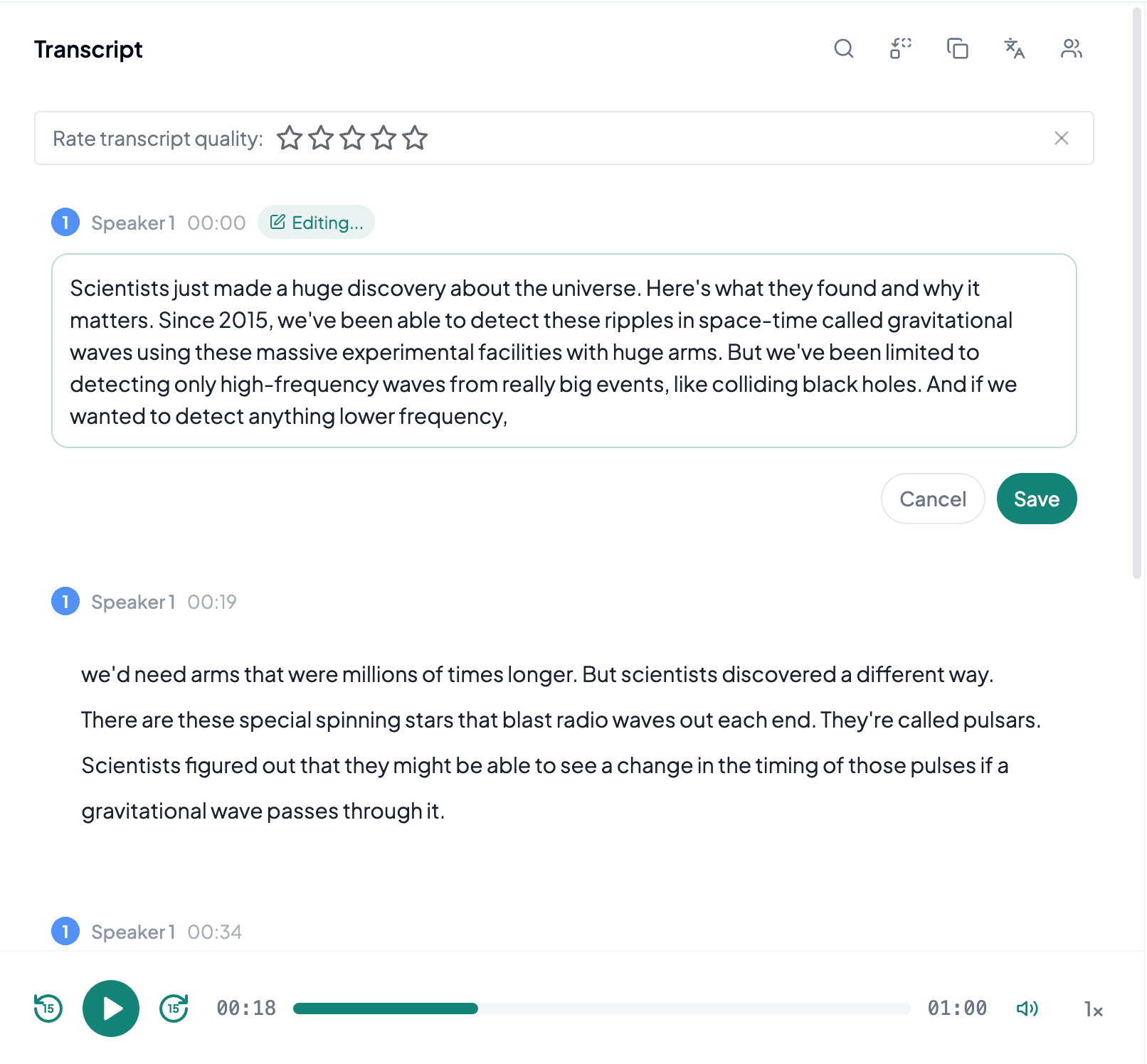
AI processes the spoken content and creates an accurate, readable transcript.
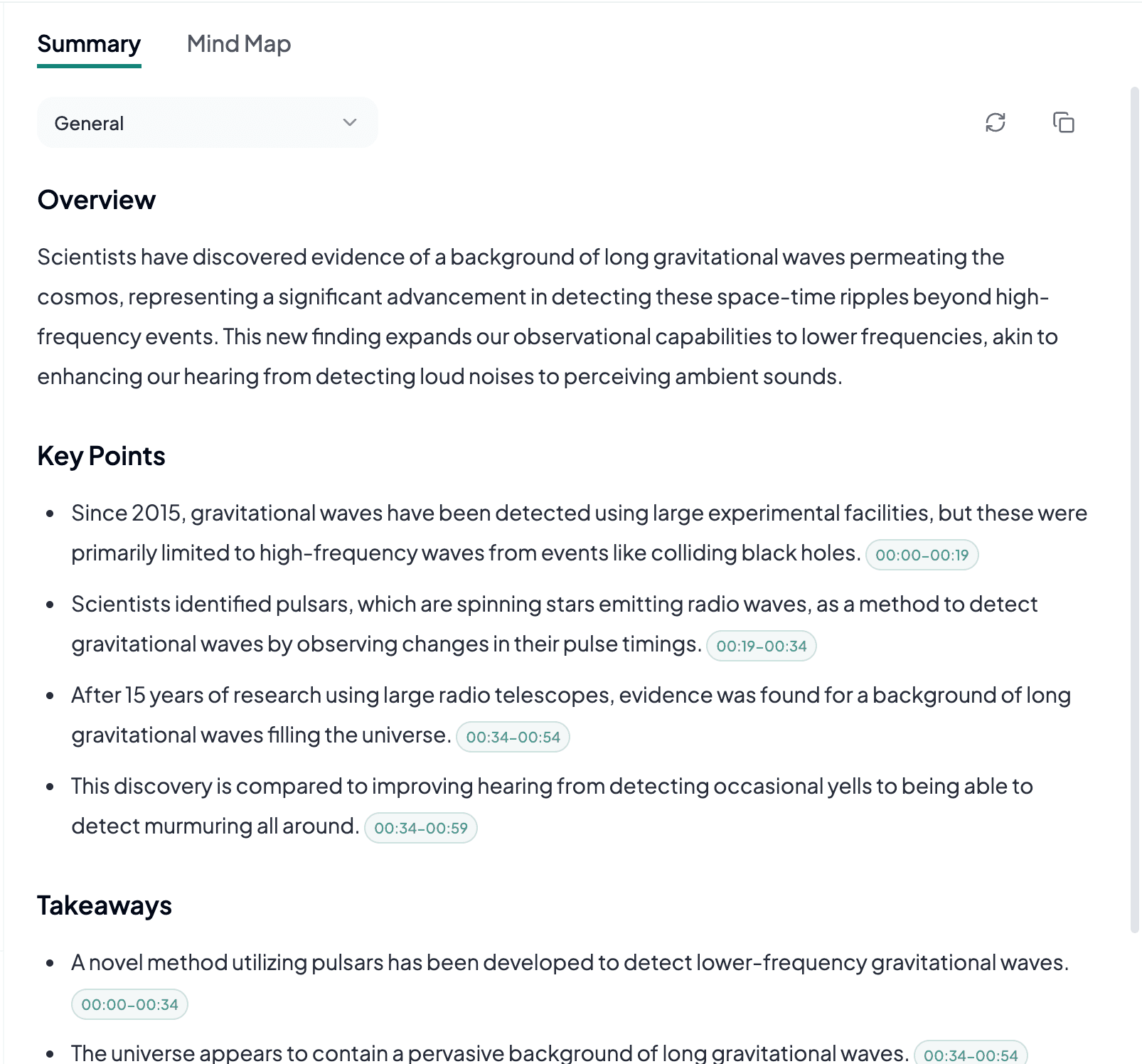
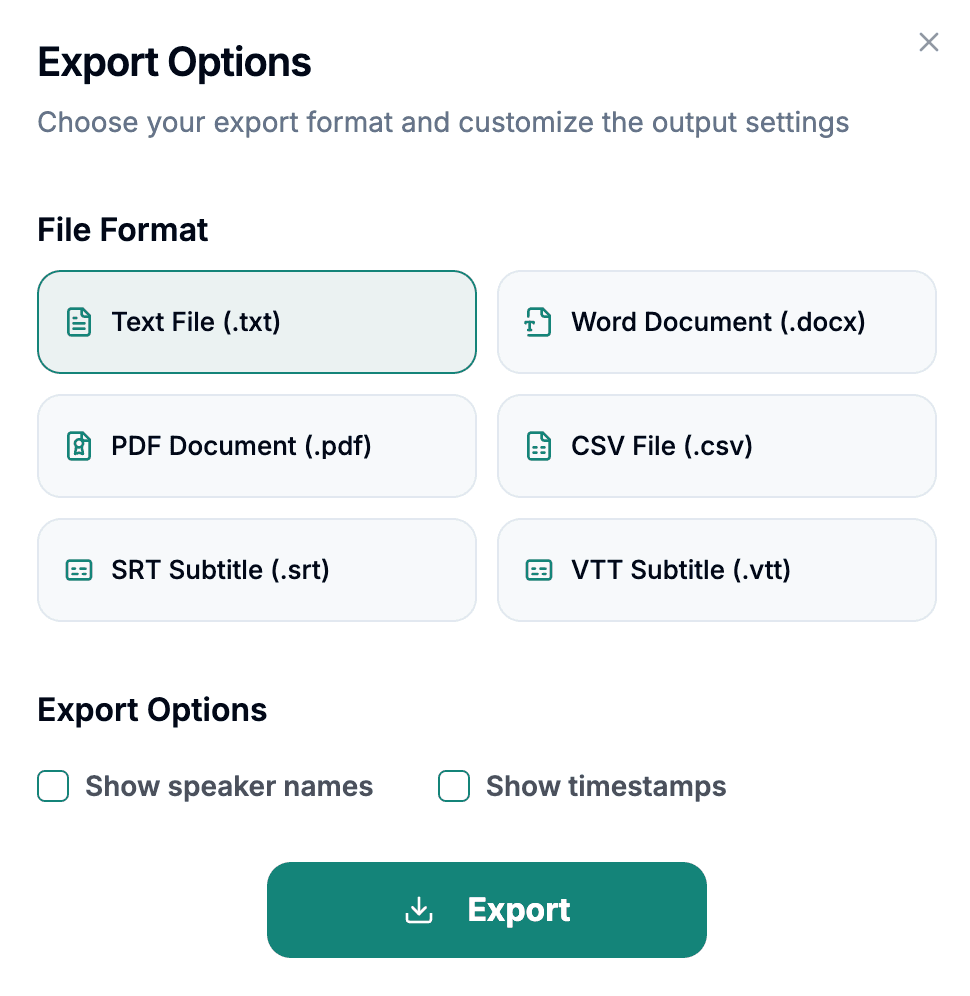
Download the transcript as TXT, PDF, DOCX, SRT, VTT, CSV, or use it for summaries, captions, and searchable notes.
Explore other audio formats supported by Audio To Text Converter.
AWB files are generally associated with AMR-WB, or Adaptive Multi-Rate Wideband, a speech codec developed for clearer voice communication than traditional narrowband telephone audio. The wider speech bandwidth can preserve more natural consonants and vocal detail than AMR-NB, although the actual result still depends on the handset, network, microphone, and bitrate used when the file was created. AWB remains a speech-focused format rather than a general-purpose mastering format.
Because AWB is less familiar than MP3 or WAV, users sometimes rename or convert the file before checking it. Renaming does not alter the underlying codec, and a lossy conversion can only preserve or reduce the information already present. If the original AWB plays correctly, it is normally the best source for transcription. Listen especially for sections recorded through speakerphones, conference bridges, or noisy mobile connections, where the wideband codec cannot compensate for a poor source.
AWB to text helps when wideband phone or communication audio needs to become a document instead of remaining in a specialized voice format.
Communication systems may export recorded speech as AWB. A transcript supports search, quality review, and follow-up notes, while the original call remains the authority for disputed wording or compliance-sensitive details.
Some devices and applications produce AMR-WB recordings for clearer voice messages. Text makes those updates easier to skim, assign, and add to a project record without requiring every recipient to open a specialized audio player.
Teams can convert dictated observations into a working draft. Microphone distance, outdoor noise, and domain-specific terminology should be reviewed before the transcript is treated as a finished report.
AWB preserves speech efficiently, but accurate review still depends on knowing how and where the conversation was captured.
Play the original file rather than judging it by the uncommon extension. A valid recording should have the expected duration and intelligible speech.
A local participant may sound clear while the far end of a call is faint or distorted, so sample both sides before relying on automated text.
Retain the AWB recording until the transcript's names, numbers, and decisions have been checked against the original audio.